
We have not tested these products. This comparison is reasoned from manufacturer specifications, documentation and warranty terms. How we test
If you buy through a link on this page we may earn a commission. Retailers do not pay for reviews or placement. Prices are shown as bands, never as figures — the live price is at the retailer. As an Amazon Associate I earn from qualifying purchases. How we make money
On this page
The short version
Enough memory to age well and a ray-tracing deficit that finally stopped mattering.
See at Amazon — Radeon RX 9070 XT (opens in a new tab)The comfortable choice at 1440p, with the headroom to drive a 4K panel when upscaled.
See at Amazon — GeForce RTX 5070 Ti (opens in a new tab)Fast enough for 1440p high today. The memory figure is what to think hardest about.
See at Amazon — GeForce RTX 5070 (opens in a new tab)Sixteen gigabytes at the bottom of the range, if you accept lowering a setting or two.
See at Amazon — Radeon RX 9060 XT 16GB (opens in a new tab)1440p is the resolution that makes the most sense for the most people, and it is where the graphics market puts most of its effort. It asks roughly twice as much of a card as 1080p and roughly half as much as 4K, which means the mid and upper-mid bands are genuinely comfortable there rather than merely adequate. Our guide to buying a graphics card covers the fundamentals behind the picks below in more depth.
What decides a 1440p card
Memory capacity, before anything else. At this resolution the textures a modern game wants to keep resident are large enough that a card can run out of room while its shaders are still coping fine. That failure is not gradual. It shows up as stutter, and it is the single most common reason someone concludes a card is bad when the specification they should have read was the memory one. The Radeon RX 9070 XT (at Amazon, opens in a new tab) ships sixteen gigabytes where rivals in its price range ship twelve, which is most of why it is the pick here.
Memory bandwidth, second. Several recent cards pair generous capacity with a narrow bus. That combination is fine at 1080p and starts to bite at 1440p, which is exactly the resolution people buy them for.
Upscaling maturity, third. Every vendor has an upscaler now and they are no longer equivalent. The difference is smaller than it was two years ago and still large enough to be part of the decision.
Where the money should go
If your budget is fixed and your monitor is not yet bought, buy less card and a better monitor. A mid-band card on a high-refresh 1440p panel is a substantially better experience than an upper-band card on a mediocre one, and the monitor will outlast two graphics cards.
If the monitor is already there, buy the cheapest card in the band that has enough memory, and put what is left into a matching gaming processor or the storage. That is the case for the GeForce RTX 5070 (at Amazon, opens in a new tab) when the budget is tight, or the Radeon RX 9060 XT 16GB (at Amazon, opens in a new tab) when a first 1440p build is being stretched from a 1080p budget. If the budget does not stretch that far, cheaper cards built for 1080p are the better starting point.
On the processor side, the CPU tier list explains how to match a processor band to the card band, and the AMD and Intel platform differences are covered separately. Once the card is chosen, our graphics card installation guide covers fitting it and connecting power.
How we chose
We have not benchmarked these cards. Nobody here has a test bench, and this guide says so rather than implying a laboratory that does not exist. What this guide is built on is the published specifications, the memory behaviour that decides longevity at this resolution, and the independent measured results linked from our gpu tier list . Where a card is a close call we have said which way we would lean and why, so you can disagree with the reasoning rather than the conclusion. If the memory figures above raised questions rather than answering them, our VRAM guide goes deeper into why capacity matters as much as it does.
Free tool PC Build Compatibility Checker — Will your GPU, PSU, cooler and case actually fit together?The picks
 (opens Amazon in a new tab)
 - Band
- $$$ Upper-mid tier
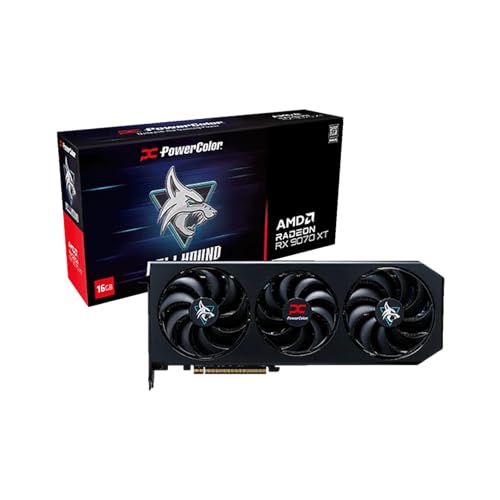
Radeon RX 9070 XT
Enough memory to age well and a ray-tracing deficit that finally stopped mattering.
- Sixteen gigabytes at a price where rivals ship twelve
- Ray tracing is competitive rather than an apology
- Upscaling quality closed most of the gap this generation
- Professional and AI software still assumes the other vendor
- Board power is high enough to matter in a small case
 (opens Amazon in a new tab)
 - Band
- $$$ Upper-mid tier
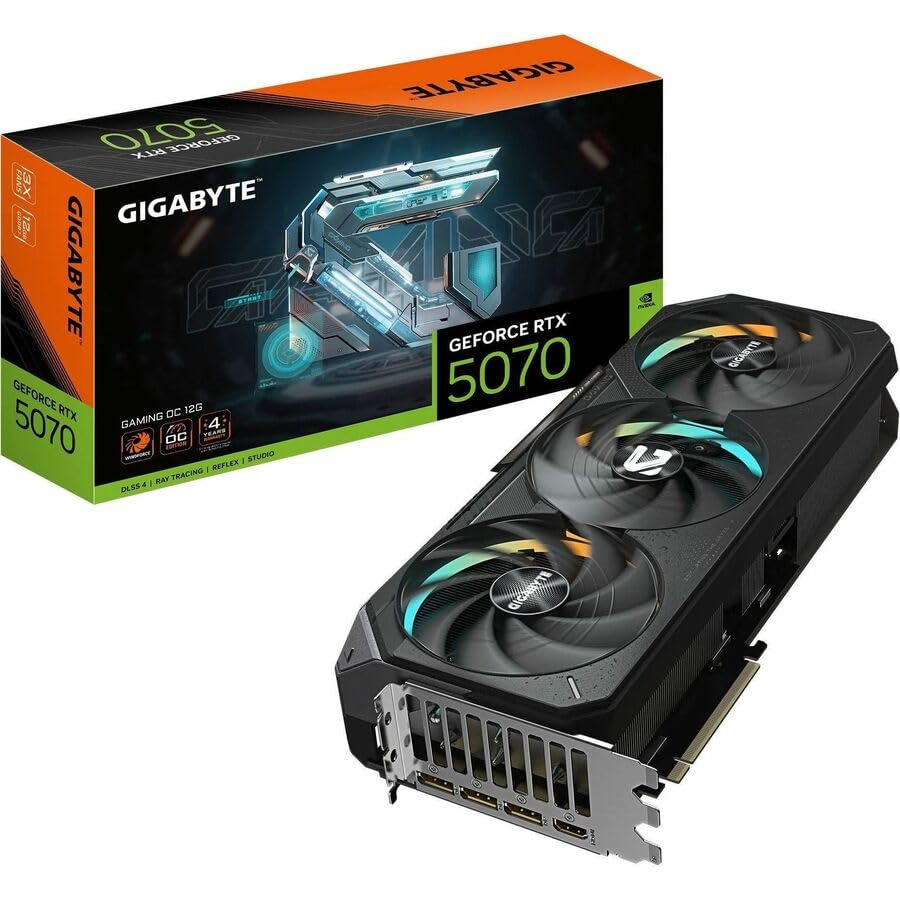
GeForce RTX 5070 Ti
The comfortable choice at 1440p, with the headroom to drive a 4K panel when upscaled.
- Holds high settings without the memory anxiety
- Upscaling and frame generation are the most mature available
- Genuinely usable for 4K with upscaling enabled
- Costs meaningfully more than the tier below for a modest gain
- Street pricing has stayed well above list all generation
 (opens Amazon in a new tab)
 - Band
- $$ Mid tier
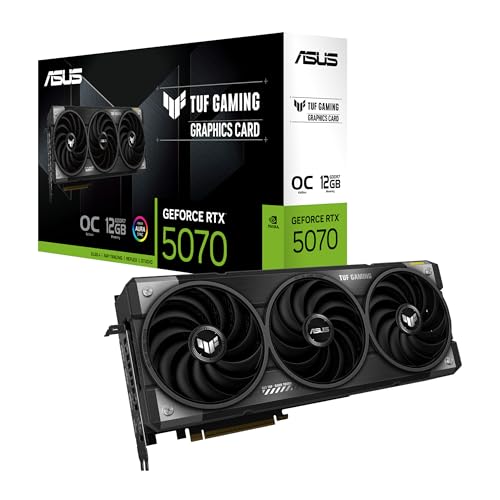
GeForce RTX 5070
Fast enough for 1440p high today. The memory figure is what to think hardest about.
- The cheapest card here that is comfortable at 1440p
- Efficient enough for a mid-sized case and a modest supply
- Full access to the most mature upscaling stack
- Twelve gigabytes is the specification that will date first
- Loses to the cheaper rival in pure rasterisation
 (opens Amazon in a new tab)
 - Band
- $$ Mid tier
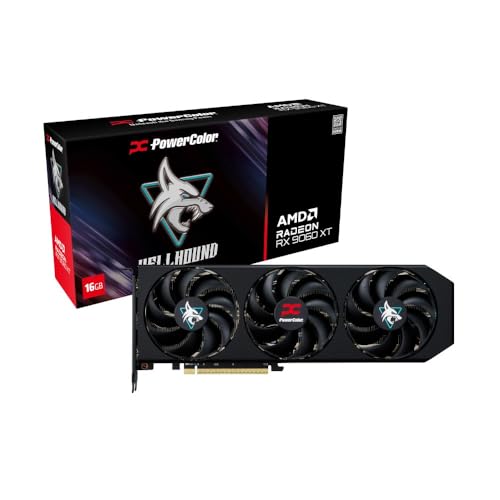
Radeon RX 9060 XT 16GB
Sixteen gigabytes at the bottom of the range, if you accept lowering a setting or two.
- Memory capacity normally found two tiers higher
- Modest power draw suits small cases and older supplies
- The narrow memory bus matters less at 1080p
- An eight-gigabyte card shares this exact name — check carefully
- Bandwidth limits it before the shader count does at 1440p
Questions people ask
How much VRAM do I need for 1440p?
Twelve gigabytes is the sensible floor for a card bought today at 1440p, and sixteen is what you want if you keep hardware for more than three or four years. The reason is that running short of video memory does not simply lower your frame rate the way a slower card does. It produces stutter and hitching that an average frame rate conceals entirely, and the only setting that reliably fixes it is texture quality, which is also the setting that costs the least performance and improves the picture the most.
Is upscaling cheating?
It is a trade, and a reasonable one. Modern upscalers render at a lower resolution and reconstruct the image, which buys a large amount of performance at some cost in fine detail and occasional artefacts in motion. At 1440p the best implementations are close enough to native that most people cannot pick them apart in normal play. Frame generation is a different proposition: it raises the number on the counter without lowering input latency, so it helps smoothness and does not help responsiveness.
Will my power supply handle one of these?
Probably, but check rather than assume, because the failure mode is a system that shuts down under load rather than one that refuses to start. What matters is the continuous rating on the twelve-volt rail, the connectors the card actually requires, and leaving headroom above the combined draw of the card and processor at full load. Our compatibility checker will do the arithmetic, and an adapter that came in the box is not a substitute for a supply with the right connector.
Radeon RX 9070 XT
Enough memory to age well and a ray-tracing deficit that finally stopped mattering.
