
We have not tested these products. This comparison is reasoned from manufacturer specifications, documentation and warranty terms. How we test
If you buy through a link on this page we may earn a commission. Retailers do not pay for reviews or placement. Prices are shown as bands, never as figures — the live price is at the retailer. As an Amazon Associate I earn from qualifying purchases. How we make money
On this page
The short version
The fastest gaming processor sold, on a socket that still has an upgrade path.
See at Amazon — Ryzen 7 9850X3D (opens in a new tab)Last year flagship, now the sensible price. Almost all of the gaming performance.
See at Amazon — Ryzen 7 9800X3D (opens in a new tab)The single-thread leader, and the better choice when the machine also does real work.
See at Amazon — Core Ultra 7 270K Plus (opens in a new tab)Six current-generation cores, low power, and enough speed to feed a mid-range card.
See at Amazon — Ryzen 5 9600X (opens in a new tab)The processor is the component people most often overbuy. It is easy to compare, the numbers are satisfying, and none of that changes the fact that at 1440p your graphics card is what decides your frame rate.
The rule that saves the most money
Match the bands, then bias downward. Pair a mid-range card with a mid-range processor, not with a flagship — a Ryzen 5 9600X (at Amazon, opens in a new tab) feeding a mid-range card and putting the savings into the card is the concrete version of this rule. The money you would have spent moving up a processor tier buys more frame rate when it is spent on a better 1440p graphics card instead, and this remains true right up until you are playing at 1080p on a very fast monitor. Our graphics card buying guide covers the other half of that pairing, and the graphics card tier list sorts cards into bands the same way. On a tighter budget the logic still holds: a modest processor with one of the stronger budget graphics cards beats the reverse. Whichever card it is, check how much video memory it needs at your resolution before comparing anything else.
The exception is worth knowing. Simulation-heavy games — strategy titles with large maps, city builders, anything with a lot of entities being calculated rather than drawn — are genuinely processor-limited at any resolution. If that is most of what you play, invert the advice.
Cache has become the specification that matters
The clearest recent development in gaming processors is that cache size now predicts frame rate better than clock speed does. The Ryzen 7 9850X3D (at Amazon, opens in a new tab) is the current example, and last year’s Ryzen 7 9800X3D (at Amazon, opens in a new tab) still delivers almost all of that advantage at a lower price whenever it is discounted. Parts built with unusually large caches lead gaming charts while sitting mid-table for everything else, and they do it at lower clock speeds than the parts they beat.
That is worth internalising because it inverts the intuition most people bring to the decision. The fastest-clocked processor in a range is often not its best gaming processor.
The platform is part of the price
A processor commits you to a socket, and the socket commits you to a memory generation and a range of boards. A cheaper processor on a socket at the end of its life can easily cost more in total than a dearer one with an upgrade path ahead of it, and it certainly costs more the next time you want to improve the machine without rebuilding it. A graphics card has no such tie, and installing a new one later leaves the rest of the platform untouched.
How we chose
We have not benchmarked these processors, and this guide does not pretend otherwise. It rests on published specifications, on the architectural behaviour that decides gaming performance, and on the independent measured results linked from our processor tier list . Our compatibility checker will tell you whether a given choice fits the rest of your build, and our AMD vs Intel comparison covers the platform differences behind these picks in more depth.
Free tool PC Build Compatibility Checker — Will your GPU, PSU, cooler and case actually fit together?The picks
 (opens Amazon in a new tab)
 - Band
- $$$ Upper-mid tier
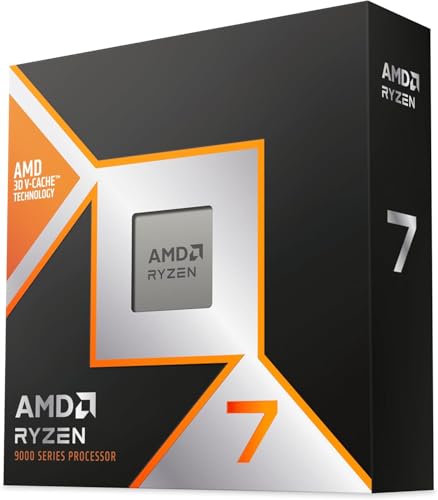
Ryzen 7 9850X3D
The fastest gaming processor sold, on a socket that still has an upgrade path.
- The large cache is worth more in games than any clock speed
- Socket still has a generation of upgrades ahead of it
- Runs cooler than its power figure suggests in gaming loads
- Eight cores is modest for heavy multi-threaded work
- Needs real cooling and a board that can feed it
 (opens Amazon in a new tab)
 - Band
- $$$ Upper-mid tier
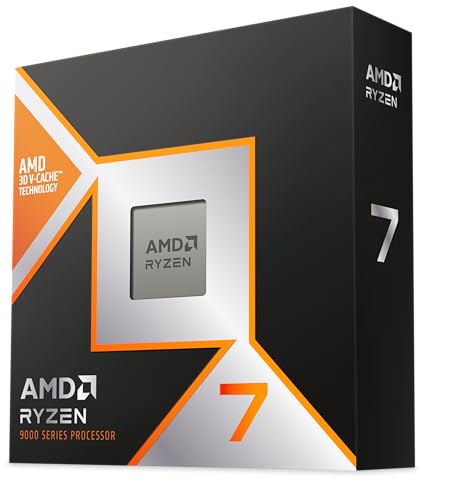
Ryzen 7 9800X3D
Last year flagship, now the sensible price. Almost all of the gaming performance.
- Close to the current flagship in the games that matter
- Widely stocked and frequently discounted
- Same socket and upgrade path as the newer part
- Superseded, so discounts decide whether it makes sense
- Eight cores again, with the same multi-threaded ceiling
 (opens Amazon in a new tab)
 - Band
- $$ Mid tier
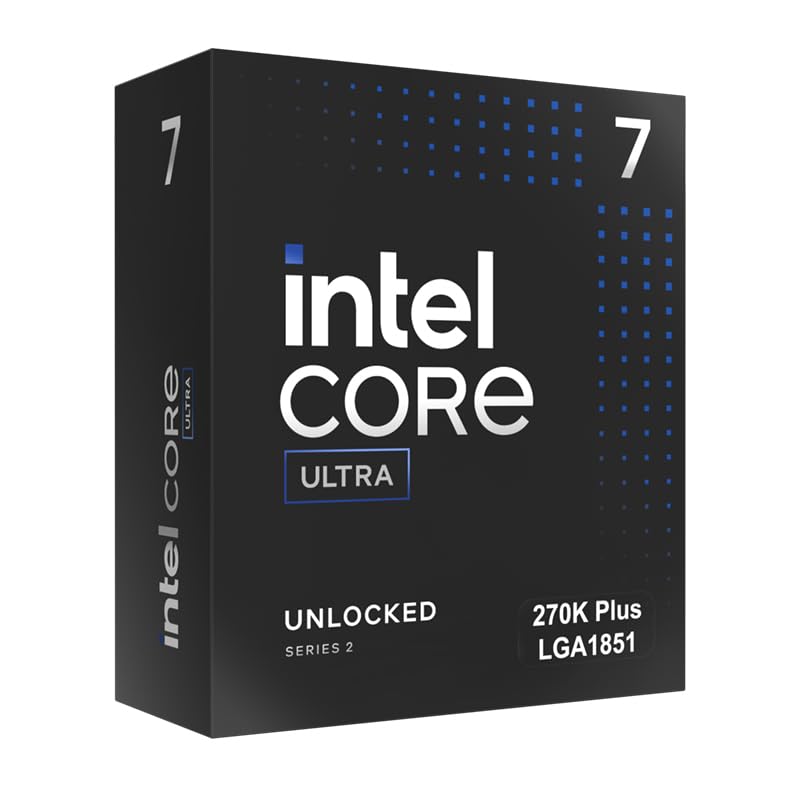
Core Ultra 7 270K Plus
The single-thread leader, and the better choice when the machine also does real work.
- Leads on single-threaded work by a clear margin
- High core count handles rendering and compiling well
- Supports faster memory than the generation it refreshes
- Trails the large-cache rivals in games specifically
- Platform is newer, so board prices have not settled down
 (opens Amazon in a new tab)
 - Band
- $ Budget tier
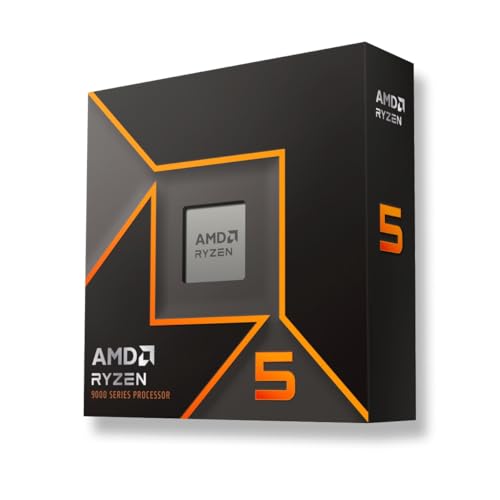
Ryzen 5 9600X
Six current-generation cores, low power, and enough speed to feed a mid-range card.
- Fast enough that the graphics card sets your frame rate
- Low power draw means a cheaper cooler and a quieter case
- Full upgrade path on a current socket
- Six cores gets tight when streaming while playing
- Noticeably behind the cache-heavy parts at high refresh
Questions people ask
Does the processor really affect frame rate?
It sets a ceiling, and whether you hit that ceiling depends on your resolution. At 1080p on a fast monitor the processor frequently is the limit, and a better one raises your frame rate directly. At 1440p and especially at 4K the graphics card is almost always the constraint, and the same upgrade changes very little. This is why the honest advice is to match the processor to the card and the resolution rather than to buy the best one you can afford.
How many cores do I need for gaming?
Six is the practical floor for a new build and eight is comfortable. Beyond eight, games do not use the extra cores and you are buying them for something else. If you stream to an audience from the same machine you are playing on, add headroom, because the encoder wants cores that the game is not using. If you use a capture card or a second machine, you do not need that headroom at all.
Is the extra cache worth paying for?
For games, yes, and it is the clearest example on this page of a specification that behaves differently from the one people expect to matter. A large cache lets the processor keep more of the game working set close to the cores, which raises the frame rate in ways that clock speed does not. For rendering, compiling and most productivity software the same money is better spent on core count, because those workloads stream through far more data than any cache can hold.
Ryzen 7 9850X3D
The fastest gaming processor sold, on a socket that still has an upgrade path.
