
We have not tested these products. This comparison is reasoned from manufacturer specifications, documentation and warranty terms. How we test
On this page
A graphics card installation takes about fifteen minutes and goes wrong in three predictable ways. Doing it in this order avoids all of them.
If you have not settled on a card yet, our advice on choosing a graphics card and our picks for the best GPUs for 1440p gaming cover that decision separately from the steps below.
Before you open the case
Download the driver for the new card while the machine still has working display output. If you are switching vendor, get the vendor removal tool as well.
Then power down properly, switch the power supply off at its own switch, and press the case power button once with the supply off to discharge what is left in the system. Unplug the monitor cable last, so you know which port it came from.
Removing the old card
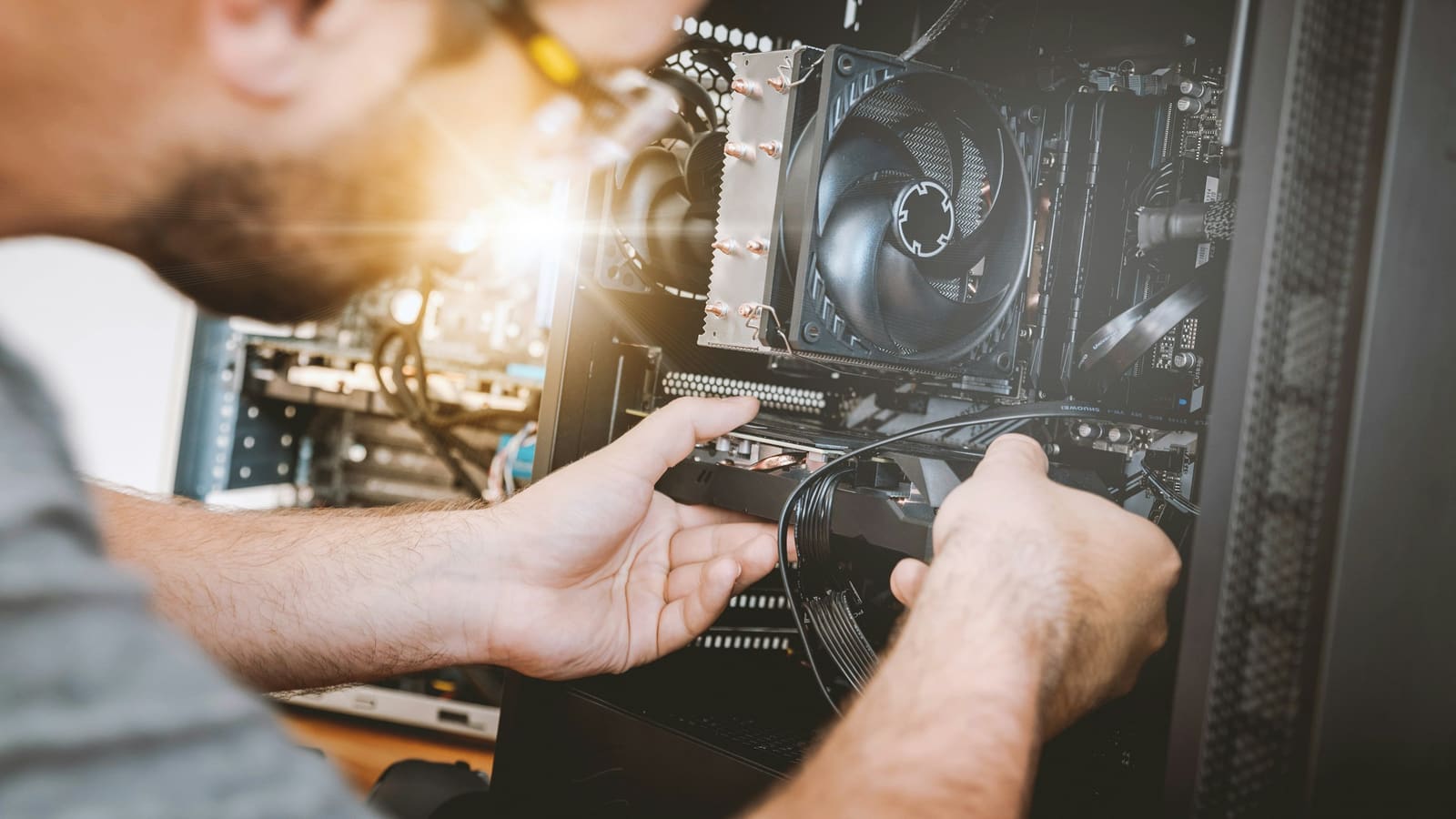
Remove the screws holding the bracket to the case first, then the power connectors, and only then release the retention clip on the slot. Doing it in that order means the card is never hanging by one attachment point.
The retention clip is the part people break. It sits at the far end of the slot from the bracket, it is usually hidden under the card cooler, and it has to be pressed down or sideways before the card will lift out. Find it with a finger before you pull.
Fitting the new card
Line the connector up with the slot and press down evenly at both ends until the clip closes by itself. It should click. A card that is seated at the bracket end and lifted at the far end will not display anything and looks entirely normal from above.
Fit the bracket screws before the power connectors, so the card is supported while you push cables into it. Use native cables from the supply, one per connector on a high-power card, and push until each clip engages.
Before you close the case
Check that nothing fouls the fans, that the card is not resting on a drive cage, and that no cable has been pulled taut across the cooler. Then plug the monitor into the card rather than the motherboard, which is the mistake that produces more blank screens than everything else combined.
First boot
Expect a low resolution and possibly a flicker while the machine works out what it is talking to. Install the driver, restart, and then load something demanding for twenty minutes while you watch temperatures and listen for a fan hitting anything. Problems that appear under load and not at idle are almost always power delivery or a cable in a fan, and both are easier to fix before the side panel is back on.
Free tool PC Build Compatibility Checker — Will your GPU, PSU, cooler and case actually fit together?Questions people ask
Do I need to remove the old driver first?
If you are changing vendor, yes, and use the vendor own removal tool rather than the control panel entry, because leftover components from a different vendor cause problems that are difficult to diagnose afterwards. If you are staying with the same vendor, a clean installation from the new driver package is usually sufficient. Either way, download the driver you intend to install before you take the old card out, because the machine will be running on basic display output until the new one is in place.
Which power connector should I use?
A native cable from the power supply to the card, every time, using separate cables rather than one cable with two connectors on it where the card needs two. The adapter that ships in the box exists so the card works with older supplies and is not the recommended arrangement for a high-power card. Push until the retention clip audibly clicks: a connector that is seated almost all the way is the most common cause of a system that runs fine until the card draws serious power and then shuts down.
The machine will not display anything. What now?
Check the obvious three in order. First, the monitor cable is in the graphics card and not in the motherboard output, which is the single most common cause. Second, the card is fully seated, which you confirm by pressing down at both ends until the retention clip engages rather than by looking at it. Third, the power connectors are properly seated and come from the supply rather than through an adapter. If all three are right and the machine still shows nothing, reseat the card once more with the power fully disconnected.