
We have not tested these products. This comparison is reasoned from manufacturer specifications, documentation and warranty terms. How we test
If you buy through a link on this page we may earn a commission. Retailers do not pay for reviews or placement. Prices are shown as bands, never as figures — the live price is at the retailer. As an Amazon Associate I earn from qualifying purchases. How we make money
On this page
The short version
If the machine is primarily for games, the large-cache route wins clearly.
See at Amazon — Ryzen 7 9850X3D (opens in a new tab)The stronger all-rounder when the machine does real work as well as games.
See at Amazon — Core Ultra 7 270K Plus (opens in a new tab)The two platforms are closer than the argument around them suggests, and the differences that do exist are specific rather than general. Here is what actually separates them for a machine you are building now.
Cache strategy is the real difference
One vendor has invested in unusually large caches on its gaming parts, and that decision is why it currently leads in games — the Ryzen 7 9850X3D (at Amazon, opens in a new tab) is the clearest example of it. Cache keeps more of the game working set close to the cores, which raises frame rate in a way that clock speed does not. The other vendor leads on single-threaded speed and on core count at comparable prices, which is why parts like the Core Ultra 7 270K Plus (at Amazon, opens in a new tab) win at productivity work.
That is the whole comparison in two sentences, and it maps directly onto what you should buy: games favour cache, work favours cores and clocks.
The differences that outlast the benchmarks
Upgrade path. One socket currently has a longer stated life ahead of it. That is worth something if you genuinely replace processors mid-socket, and nothing if you rebuild whole machines.
Cooling. The high-power parts on both sides need real cooling, but the requirement is not symmetric across the ranges, and some lower parts ship with a usable cooler while their counterparts do not. In a small case this can matter more than the performance difference.
Memory. The generation and speed supported differ between platforms and between refreshes within a platform. It is a small effect on performance and a real effect on the total bill.
Integrated graphics. If a build must work before a graphics card arrives, or must survive one failing, check what the processor provides on its own. The options are not equivalent.
Our processor tier list groups current chips by what they are for, and the gaming CPU roundup narrows the field to the parts worth buying today.
How we compared these
No benchmarking was done here. This comparison is built on published specifications, on the architectural differences the two companies describe themselves, and on the independently measured results linked from our processor tier list. Where the two are close, we have said which we would choose for which job rather than declaring a winner that does not exist.
Free tool PC Build Compatibility Checker — Will your GPU, PSU, cooler and case actually fit together?The picks
 (opens Amazon in a new tab)
 - Band
- $$$ Upper-mid tier
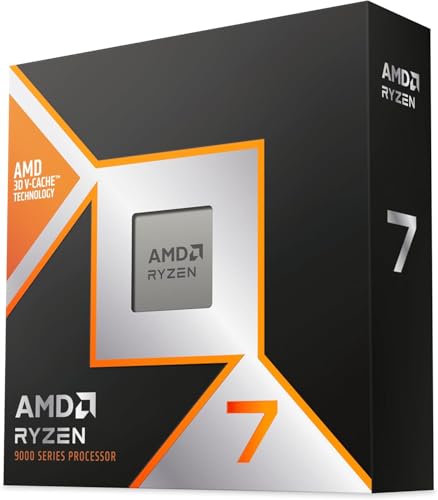
Ryzen 7 9850X3D
If the machine is primarily for games, the large-cache route wins clearly.
- Leads in games by a margin that is not close
- Socket has a further generation of upgrades planned
- Efficient under gaming loads specifically
- Eight cores caps heavy multi-threaded work
- Demands proper cooling and a capable board
 (opens Amazon in a new tab)
 - Band
- $$ Mid tier
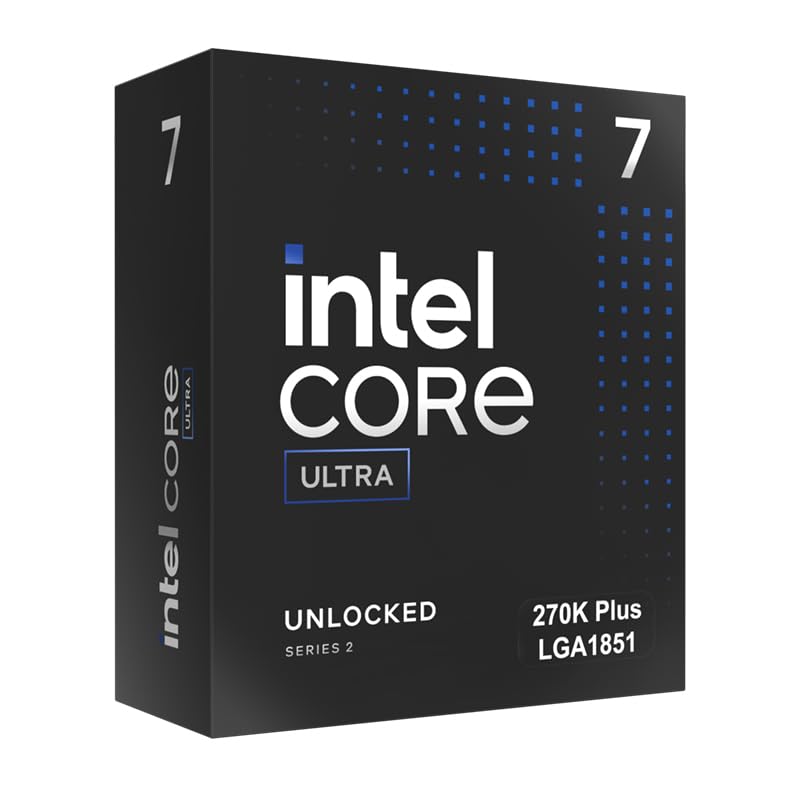
Core Ultra 7 270K Plus
The stronger all-rounder when the machine does real work as well as games.
- Best single-threaded performance available
- High core count for rendering and compilation
- Supports faster memory than the parts it refreshes
- Behind the large-cache parts in games
- Newer platform, so board prices remain unsettled
Questions people ask
Which is better for gaming?
At the moment the large-cache route wins, and it is not particularly close in the titles where the processor is the limiting factor. The advantage comes from cache size rather than clock speed, which is why it holds even against parts that run at higher frequencies. This is a snapshot rather than a law: the advantage has changed hands more than once over the last decade and will change hands again, so what matters is what is true when you buy rather than what was true when you last read about it.
Which platform is cheaper overall?
Look at the whole platform rather than the processor, because the processor is often the smaller part of the difference. Add the board, the memory generation it requires, and the cooler the processor actually needs rather than the one you hoped would do. A cheaper chip on a socket at the end of its life frequently costs more in total than a dearer one with an upgrade path, and it certainly costs more the next time you want to improve the machine without rebuilding it.
Does the upgrade path really matter?
It matters if you intend to replace the processor without replacing the motherboard and memory alongside it, and it is worth nothing at all if you rebuild from scratch every five years. Be honest with yourself about which of those you actually are. Most people believe they will upgrade mid-socket and then do not, so paying a premium for a longer path is only sensible if you have a track record of using it.

