
We have not tested these products. This comparison is reasoned from manufacturer specifications, documentation and warranty terms. How we test
If you buy through a link on this page we may earn a commission. Retailers do not pay for reviews or placement. Prices are shown as bands, never as figures — the live price is at the retailer. As an Amazon Associate I earn from qualifying purchases. How we make money
On this page
The verdict
Dual-tower cooling at a price that reset expectations for the whole category.
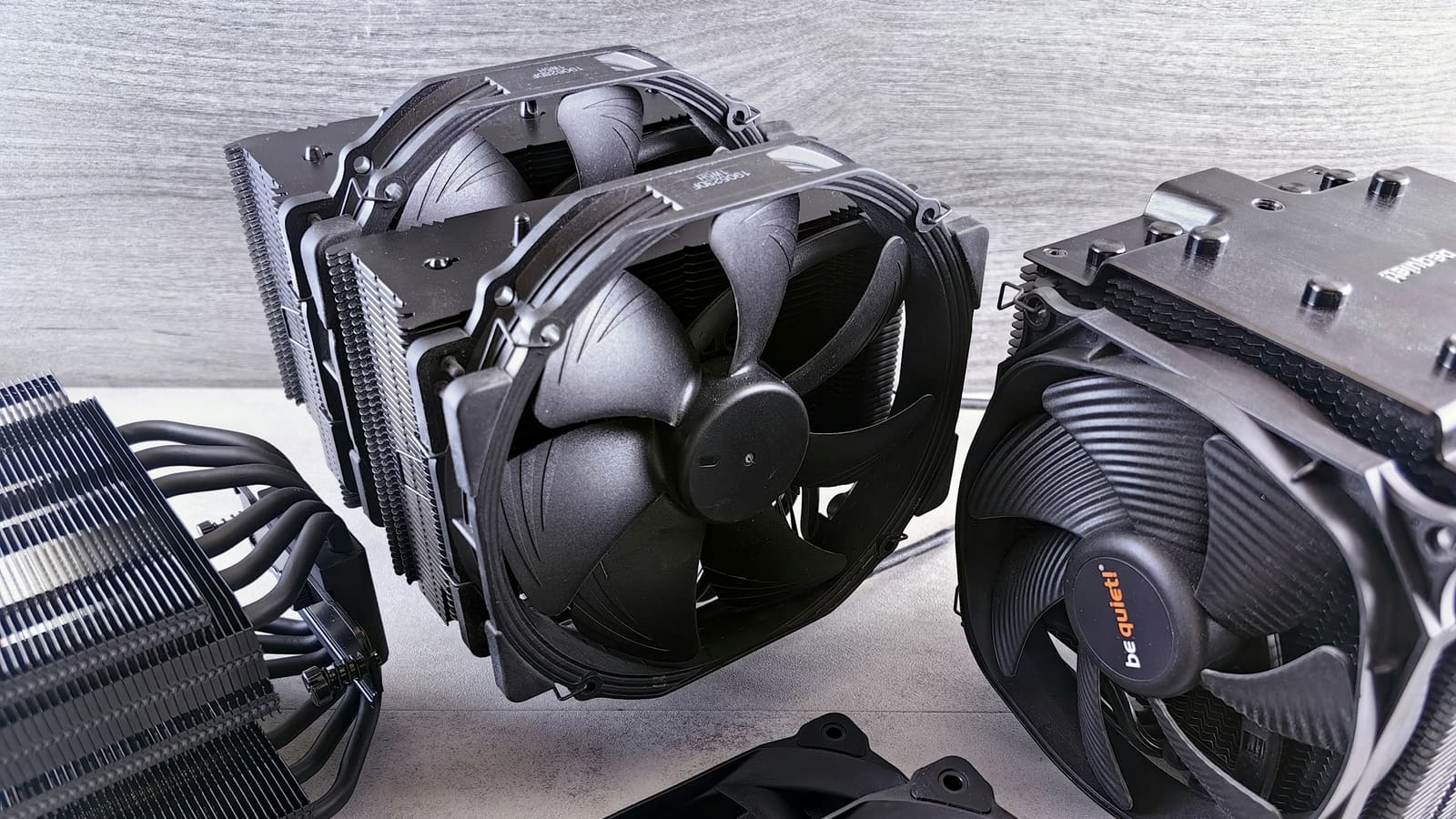
See at Amazon — Thermalright Peerless Assassin 120 SE (opens in a new tab)This cooler is the reason a lot of mid-range cooling advice had to be rewritten. It is a conventional dual-tower design with six heat pipes and two fans, sold at a price that previously bought a single tower with four.
What it does well
The Peerless Assassin (at Amazon, opens in a new tab) earns its reputation on three points.
Fin area for the money. Two towers means roughly twice the surface area of a single-tower cooler, and surface area is most of what decides cooling performance. There is nothing clever here, only more of the thing that works.
Nothing that wears out. No pump, no coolant, no tubing. The fans are replaceable and the heat pipes will outlast the build.
Enough performance to end the conversation. For a mainstream processor, including ones people habitually assume need liquid cooling, this handles the job and leaves the money for the graphics card.
Where it stops
The highest-power processors under sustained load are past its comfortable range. It will keep them running, and a larger cooler or a big radiator will keep them running cooler — see our comparison of air versus liquid cooling for that trade-off, and our picks for the best CPU coolers for the larger air options.
The installation is the other honest complaint. The backplate goes behind the motherboard, so retrofitting it to a finished machine means pulling the board.
How we assessed this
We have not measured this cooler against a processor on a bench. This assessment rests on its construction, fin area and heat-pipe count, the published clearance figures, and the mounting system as documented. It is a judgement about suitability rather than a thermal result, and the evidence note at the top of the page states that plainly.
Free tool PC Build Compatibility Checker — Will your GPU, PSU, cooler and case actually fit together?Questions people ask
Will it fit my memory?
It depends on your memory more than on the cooler. The front tower sits over the first memory slot on most boards, so low-profile modules clear it comfortably and tall heat spreaders may not. There is a common workaround: the front fan can be raised on its mounting clips to sit above tall modules, which restores clearance at a small cost in cooling. Measure your memory height and compare it against the cooler published clearance figure before ordering rather than after.
Is it good enough for a high-end processor?
For mainstream and upper-mid processors, comfortably. For the highest-power parts run hard for hours it is working near its limit, and a larger air cooler or a substantial radiator has more headroom. The distinction that matters is sustained load rather than peak: for gaming, where the processor is rarely the dominant heat source and load comes in bursts, it copes with far more than its price suggests.
Is installation difficult?
The mounting hardware is straightforward and the instructions are adequate, but the backplate has to go behind the motherboard, which in most cases means taking the board out. That is trivial during a new build and genuinely annoying as an upgrade to a finished machine. Plan the order of assembly accordingly: if you are building from scratch, fit the cooler before the board goes into the case.
Thermalright Peerless Assassin 120 SE
Dual-tower cooling at a price that reset expectations for the whole category.