
We have not tested these products. This comparison is reasoned from manufacturer specifications, documentation and warranty terms. How we test
On this page
Fitting a power supply is easy and gets redone more often than any other step, almost always because the cables went on in the wrong order. This sequence avoids that. If you have not chosen a unit yet, our power supply buying guide and our picks for the best power supplies cover that decision separately.
Before it goes in
Work out which cables the build needs and attach all of them to the unit while it is still out of the case and you can see what you are doing. How many loose cables you are dealing with here depends on whether the unit is modular or non-modular in the first place. The connector block is at the back of the unit, and once the supply is screwed into a case it is one of the least accessible places in the machine.
The essential set is the large motherboard connector, the processor connector that lives at the top edge of the board, and whatever the graphics card requires. Add drive and fan cables as needed.
Orientation
If the case has a floor vent with a dust filter and the machine will not be sitting on carpet, fit the unit with the fan facing down. It then draws its own cool air from outside and stays thermally isolated from the rest of the build.
If the floor is solid, or the machine lives on a rug, face the fan up into the case.
Fitting and routing
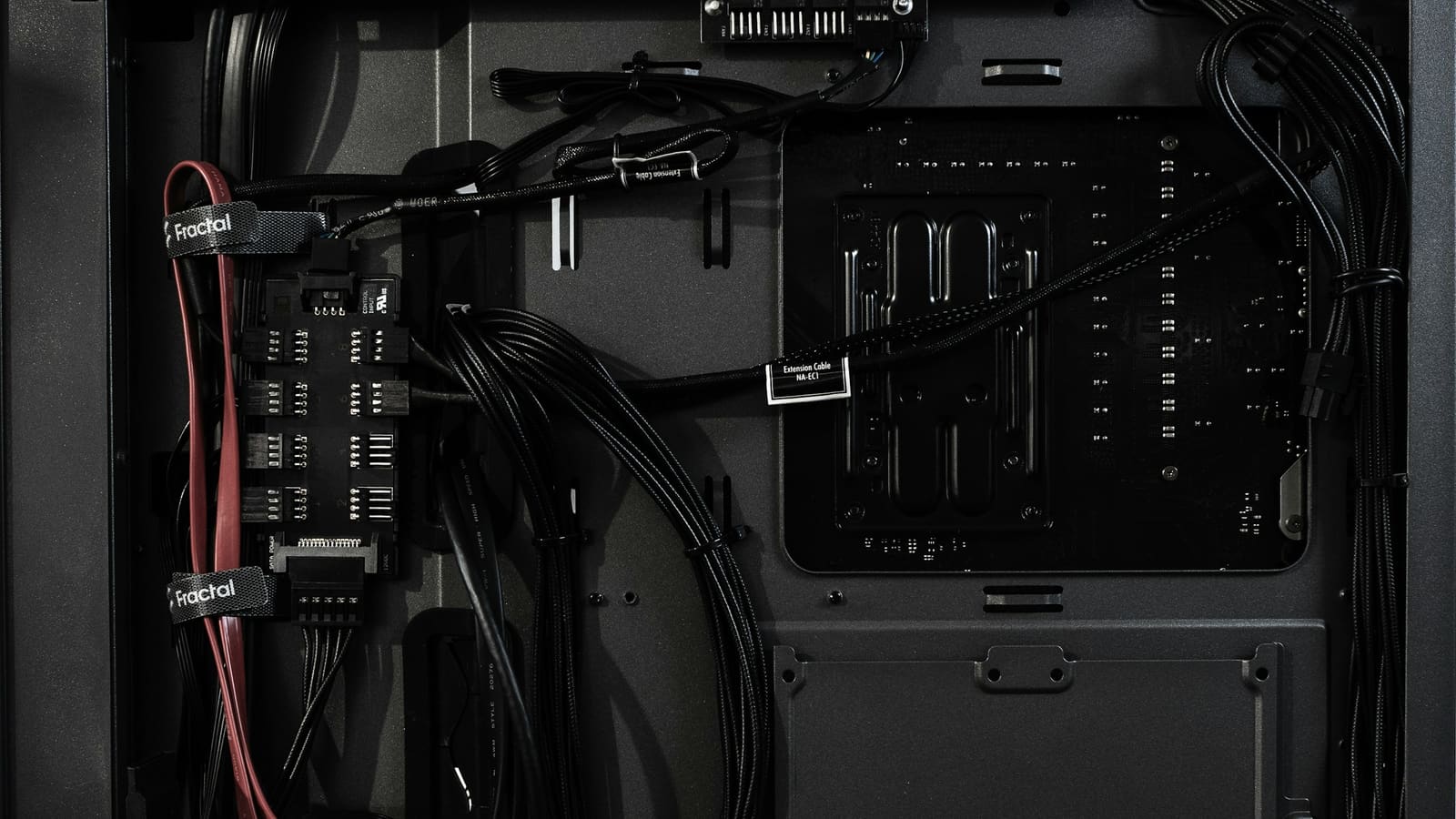
Slide the unit in, line up the four screw holes, and start all four screws by hand before tightening any of them. Then route each cable behind the motherboard tray where the case allows it, bringing each one through the nearest opening to its destination rather than the tidiest-looking one.
Leave the graphics card cable until the card is fitted, so you can see how much slack it needs and where it wants to sit.
Before you close it up
Check that no cable crosses a fan, that the graphics card cable is not under tension, and that nothing is resting against the processor cooler. Then switch the supply on at its own switch, start the machine, and confirm that everything spins before the side panel goes back on.
Free tool PC Build Compatibility Checker — Will your GPU, PSU, cooler and case actually fit together?Questions people ask
Should the fan face up or down?
Down, if your case has a vent and a dust filter in the floor beneath the supply and the machine does not sit on carpet. That arrangement gives the unit its own supply of cool outside air and keeps it thermally separate from the rest of the machine. Face it up if the case floor is solid, or if the machine sits directly on carpet where a downward-facing intake would be smothered and would pull fibres straight into the filter.
Which cables do I connect first?
Attach every cable you need to the supply itself before the supply goes into the case, because the connector block becomes difficult to reach afterwards, especially in a compact build. Then fit the unit, then route each cable to its destination. The essential set is the large board connector, the processor connector at the top of the board, and whatever the graphics card requires. Everything else, drives and fans and lighting, follows.
What if I run out of connectors?
Stop rather than improvise. Running short of connectors usually means the unit is too small for the build rather than merely inconveniently cabled, and the fixes people reach for at that point are the risky ones: daisy-chaining a single cable to feed a card that wants two separate feeds, or pressing an adapter into the highest-current path in the machine. Both work until they do not. A larger supply is the correct answer.