
We have not tested these products. This comparison is reasoned from manufacturer specifications, documentation and warranty terms. How we test
If you buy through a link on this page we may earn a commission. Retailers do not pay for reviews or placement. Prices are shown as bands, never as figures — the live price is at the retailer. As an Amazon Associate I earn from qualifying purchases. How we make money
On this page
The short version
The right bits in the right sizes, magnetic, and enough for an entire build.
See at Amazon — iFixit Essential Electronics Toolkit (opens in a new tab)Worth it only if you also open laptops and consoles, where the prying tools earn their place.
See at Amazon — iFixit Pro Tech Toolkit (opens in a new tab)A tube lasts years and costs very little, which makes it worth having before you need it.
See at Amazon — Arctic MX-6 Thermal Paste (opens in a new tab)The tool list for a desktop build is much shorter than the internet suggests. One driver does nearly everything, and most of what gets recommended is convenience rather than necessity. Our how to build a PC walkthrough shows where each of these tools actually gets used.
What you actually need
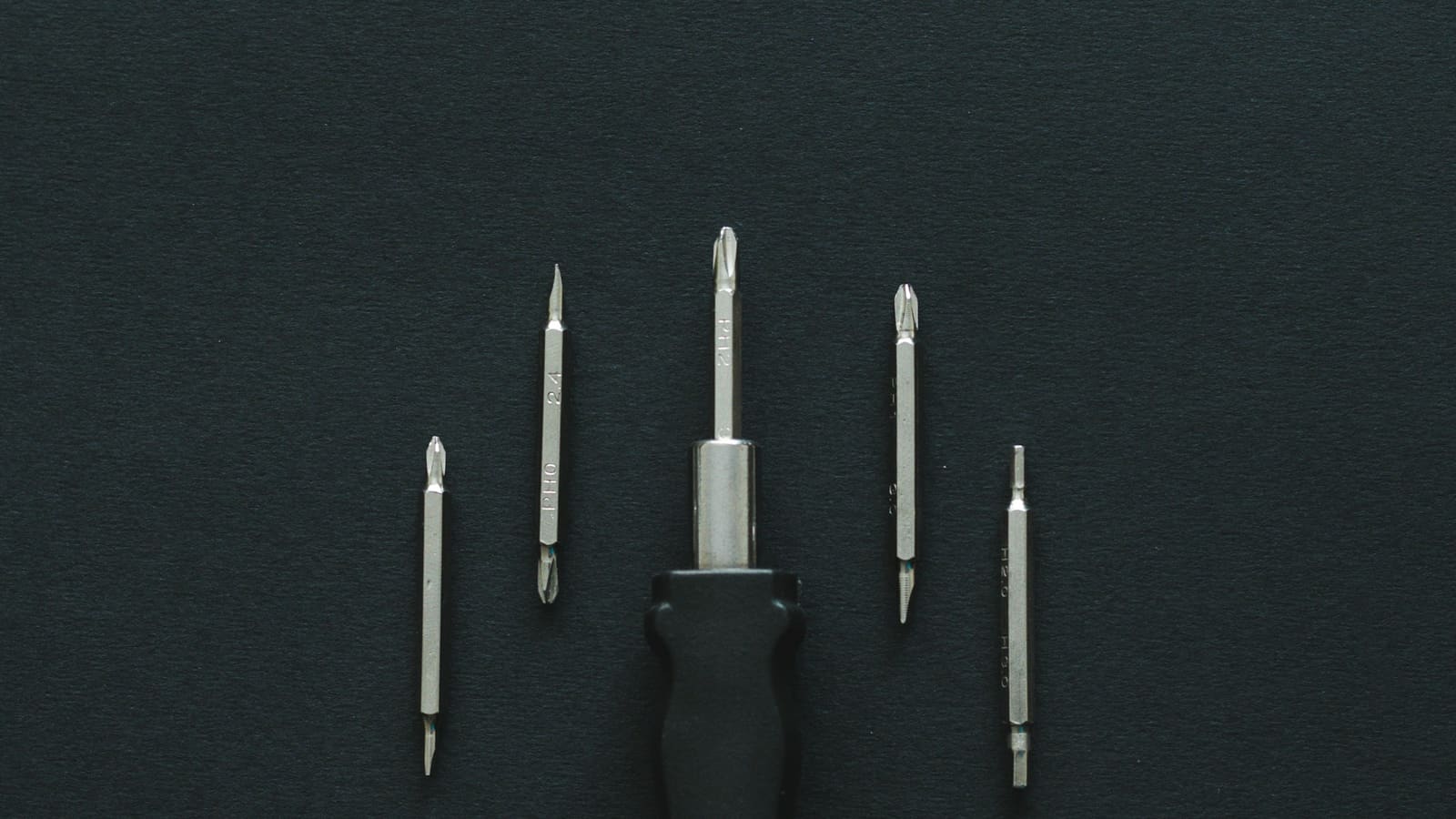
A magnetic cross-head driver of medium size. This is the tool. It fits the case screws, the board standoffs, the power supply and the card brackets, and the magnetic tip stops the inevitable dropped screw becoming a twenty-minute search under a motherboard. The iFixit Essential Electronics Toolkit (at Amazon, opens in a new tab) gets every size right in one compact case, which is most of what you are paying for.
A small driver for fast storage retention screws, which are much smaller than everything else and easy to strip with the wrong bit.
Light. A phone torch is fine. A dark case interior causes more mistakes than any missing tool.
What is convenience
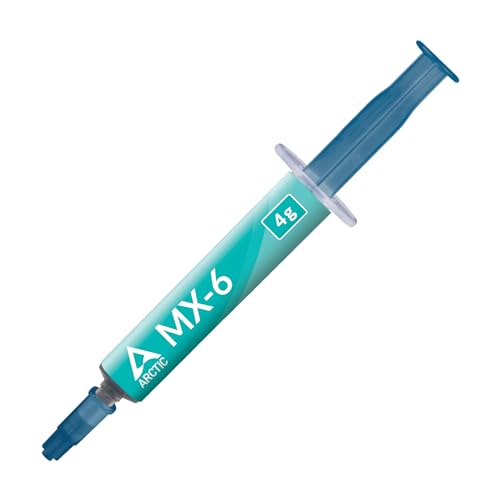
Cable ties, which make a tidy build and a genuinely cooler small one. A parts tray, which stops screws migrating. Thermal paste, such as a tube of Arctic MX-6 (at Amazon, opens in a new tab), if the cooler did not include it or you are refreshing an old machine. An anti-static strap, if you would rather not think about it.
What you can ignore
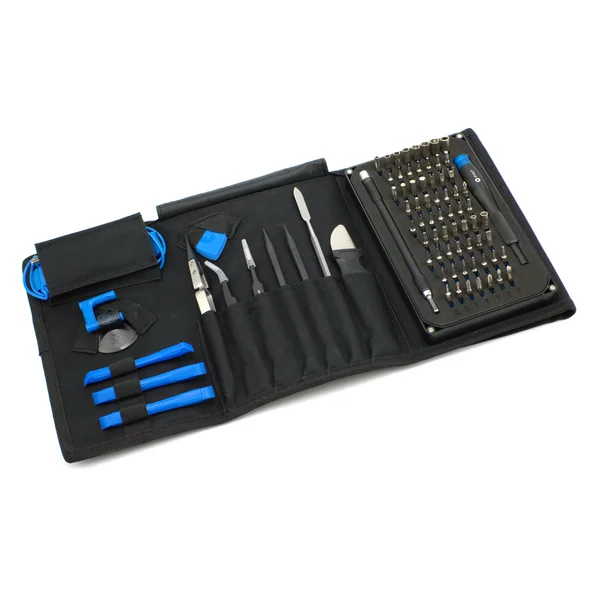
Specialist kits sold for building. A torque driver. Anything described as essential in a list longer than this one. The iFixit Pro Tech Toolkit (at Amazon, opens in a new tab) belongs on that list too, unless you also open laptops or consoles, where its prying tools earn their keep.
How we chose
No products were tested for this guide. It rests on the fastener sizes used in modern desktop hardware, on the composition of the kits as published, and on which steps of a build actually cause damage. Our first PC build guide covers the whole process this toolkit is meant to support.
Free tool PC Build Compatibility Checker — Will your GPU, PSU, cooler and case actually fit together?The picks
 (opens Amazon in a new tab)
 - Band
- $ Budget tier
iFixit Essential Electronics Toolkit
The right bits in the right sizes, magnetic, and enough for an entire build.
- Correct sizes for every screw in a modern build
- Magnetic tip keeps screws out of the case floor
- Compact enough to keep in a drawer and actually find
- Overlaps with tools many people already own
- Precision sizes only, nothing larger
.png)
- Band
- $$ Mid tier
iFixit Pro Tech Toolkit
Worth it only if you also open laptops and consoles, where the prying tools earn their place.
- Covers laptops and consoles as well as desktops
- Prying and opening tools that prevent cracked plastic
- Well-made and genuinely durable
- Far more tools than a desktop build needs
- Costs several times the essential kit
 (opens Amazon in a new tab)
 - Band
- $ Budget tier
Arctic MX-6 Thermal Paste
A tube lasts years and costs very little, which makes it worth having before you need it.
- Non-conductive, so a slip is not a disaster
- One tube covers many applications
- Easy to spread and easy to clean off
- Unnecessary if your cooler ships with paste applied
- Differences between good pastes are very small
Questions people ask
Do I really only need one screwdriver?
For the assembly itself, very nearly. Almost every screw in a modern desktop takes the same medium cross-head driver, and a magnetic one turns the worst moments of a build into non-events. What the extra bits in a kit buy you is the small screws that hold fast storage drives, which are a different and much smaller size, and the occasional case that uses something unusual. One good magnetic driver plus that small size covers a normal build.
Is thermal paste worth buying separately?
Only in specific situations. Nearly every cooler sold today arrives with paste already applied or in a small tube in the box, and that paste is perfectly good. Buy your own if you are reseating a cooler, refreshing an older machine where the original paste has dried out, or you expect to do this more than once. The differences between reputable pastes are far smaller than the difference between an even mount and a careless one.
What about an anti-static wrist strap?
Cheap insurance rather than an absolute requirement. Static damage happens, but it is much rarer than the folklore implies, and the free precautions do most of the work: build on a hard surface rather than carpet, touch bare case metal before handling anything, and hold boards by their edges. In a dry room in winter, or if you would simply rather not think about it, a strap costs very little and removes the question.
iFixit Essential Electronics Toolkit
The right bits in the right sizes, magnetic, and enough for an entire build.