
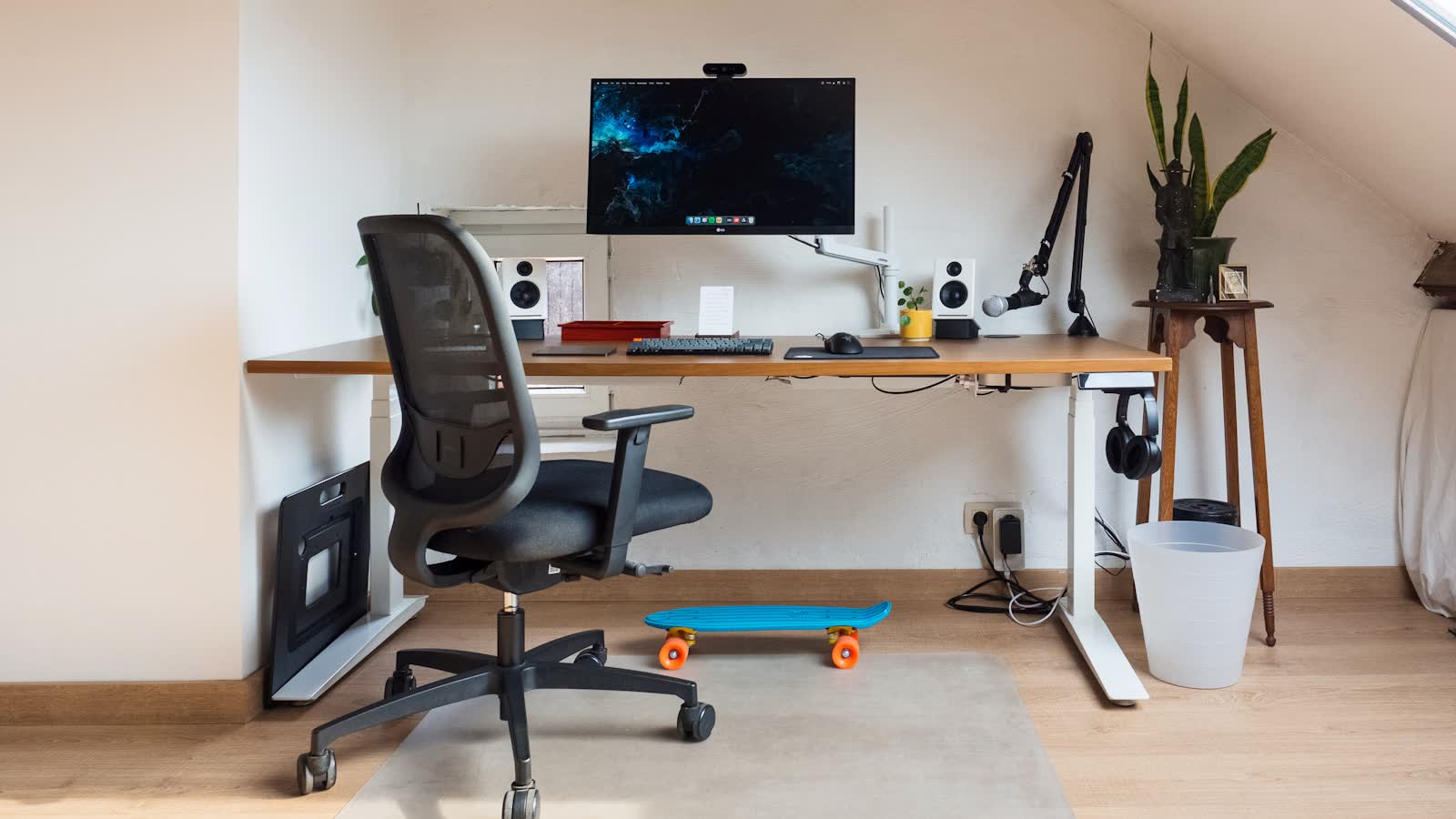
We have not tested these products. This comparison is reasoned from manufacturer specifications, documentation and warranty terms. How we test
If you buy through a link on this page we may earn a commission. Retailers do not pay for reviews or placement. Prices are shown as bands, never as figures — the live price is at the retailer. As an Amazon Associate I earn from qualifying purchases. How we make money
On this page
The verdict
You are buying the frame, the warranty and the accessory rail — not the desktop.
See at Amazon — Uplift V2 (opens in a new tab)The V2 is sold as a frame with a top you choose, and that framing is accurate — it is the honest way to think about the purchase. The frame is the product.
What the money buys
The Uplift V2 (at Amazon, opens in a new tab) earns its price mostly through three things.
Three-stage legs, giving a wider height range at both ends and faster travel, and the first thing we look for in the best standing desks. If you are notably tall or short, the extra range at the extremes is the practical difference between a desk that fits and one that nearly does.
A long warranty that names the motor. The frame will not fail. The motor and controller are what fail on any sit-stand desk, so a warranty that covers them for a long period is the meaningful part of the coverage.
The accessory rail. This is the least obvious advantage and, over years, the most useful one. Because there is a standard mounting system, a cable tray, a keyboard tray, a monitor arm and a power strip all attach without improvisation or drilling. See our standing desk buying guide for how these specifications generalise beyond this one desk.
Where it is weaker
Assembly is a genuine project, not a fifteen-minute job. The number of configuration choices at the point of purchase — frame colour, top material, size, edge profile, accessories — is more decision-making than many people want. If that decision fatigue is the deciding factor, our budget standing desk picks involve far fewer choices.
What we did not test
We have not run this desk through a duty cycle, measured its deflection at full extension, or timed its travel. This assessment rests on the published specification, the warranty terms, and the accessory system’s documented compatibility. Where we describe stability, that is a structural argument about three-stage legs rather than a measurement we took.
Questions people ask
Is the assembly as involved as people say?
It is a real job — typically an hour or more, and easier with two people because the desktop is awkward to handle alone. The instructions are clear and the hardware is labelled. The single most important step is to leave every bolt slightly loose until the whole frame is assembled and squared, then tighten in a cross pattern. Tightening as you go is what produces the wobble people then blame on the desk.
Which desktop should I choose?
Functionally, the cheapest one that suits the room. The two things that genuinely matter are weight, because it counts against the frame's lifting capacity, and edge thickness, because monitor arm clamps typically top out around 60 mm. A thick solid-wood top can exceed that and force you into a grommet mount, which means drilling.
Uplift V2
You are buying the frame, the warranty and the accessory rail — not the desktop.