
We have not tested these products. This comparison is reasoned from manufacturer specifications, documentation and warranty terms. How we test
On this page
Split keyboards vary along several independent axes, and vendors tend to describe all of them at once. Separating them makes the decision much simpler. For ready picks once you know what you want, see our ergonomic keyboard roundup.
Axis 1: how split
Fixed split — one physical board with the halves angled apart at a set angle. Fixes ulnar deviation partially. Essentially no learning curve. The easiest recommendation in the category.
True split — two separate halves joined by a cable. You set the distance and angle to your own shoulder width, and you can put the mouse or a trackball between them. Better, and it costs adaptation time.
Axis 2: tenting
Raising the inner edges so your hands angle inward, reducing forearm rotation. Some boards tent by a fixed amount; true splits often let you adjust it, and some simply attach to camera tripods for arbitrary angles.
If your discomfort is in the forearm rather than the wrist, this is the axis that matters to you.
Axis 3: stagger
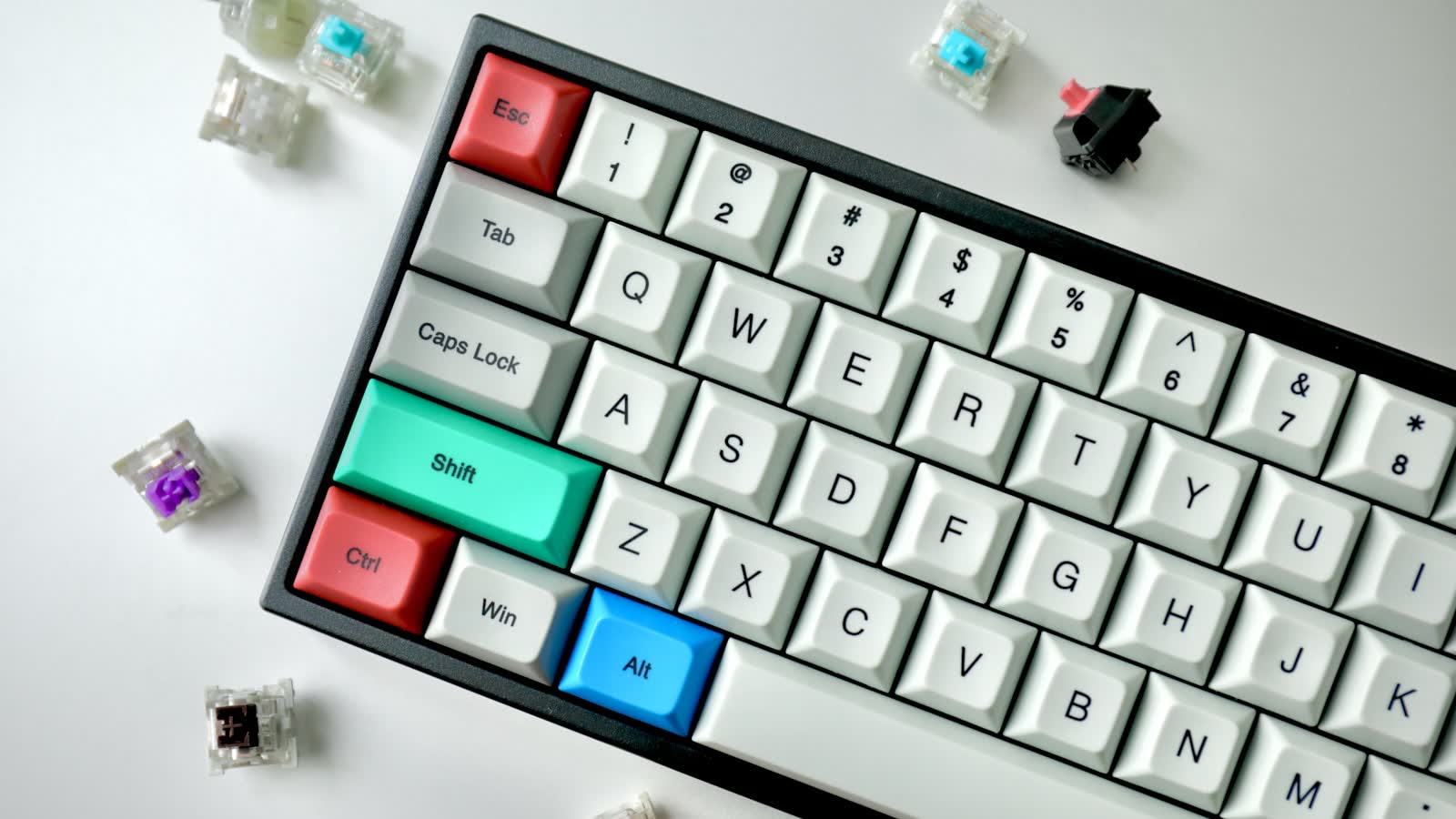
Row stagger is the standard diagonal layout, inherited from typewriter mechanics. Familiar, and slightly awkward for your fingers.
Column stagger offsets each column to match finger length, so fingers move straight up and down. More logical, and a genuine relearning cost.
Ortholinear is a perfect grid — the largest adjustment of the three, and the one with the most divided opinion.
Axis 4: thumb clusters
Compact splits move modifiers and space to a cluster under the thumbs. Your thumbs are strong and underused on a standard layout, so this is mechanically sensible. It is also the change that most disrupts existing muscle memory.
Choosing by symptom
- Wrists bending outward → split
- Forearm ache and rotation → tenting
- Wrists bending upward → low profile, negative tilt
- Finger stretching for modifiers → thumb cluster
The keyboard is only half of it. Choosing an ergonomic mouse starts with measuring your hand, and vertical mouse vs trackball applies the same symptom-first approach to your mouse hand. Or work through our wrist pain guide if you have not yet tried the free changes.
Questions people ask
What is column stagger and why does it matter?
A standard keyboard staggers its rows diagonally, a layout inherited from mechanical typewriters where the levers needed clearance. Column-staggered boards instead offset each column vertically to match differing finger lengths, so your fingers move straight up and down rather than diagonally. It is more logical and it is a genuine relearning cost, because decades of muscle memory assume the diagonal.
Do I need programmable layers?
On a compact split board with no number row or function row, yes — layers are how those keys still exist. On a full-size split, they are optional. Layers are powerful once learned, and they are one more thing to learn on top of a new physical layout, so it is reasonable to start with defaults and customise later.