
We have not tested these products. This comparison is reasoned from manufacturer specifications, documentation and warranty terms. How we test
On this page
Your head weighs around five kilograms. Held upright and balanced, your neck does almost no work to support it. Tilted forward by fifteen degrees, the effective load on the neck roughly doubles. Held there for eight hours a day, it is the most common mechanical cause of desk-related neck pain.
Monitor height is how you avoid that, and it costs nothing to get right.
The rule
The top of the usable screen area sits at or just below seated eye level. Not the top of the bezel — the top of the image.
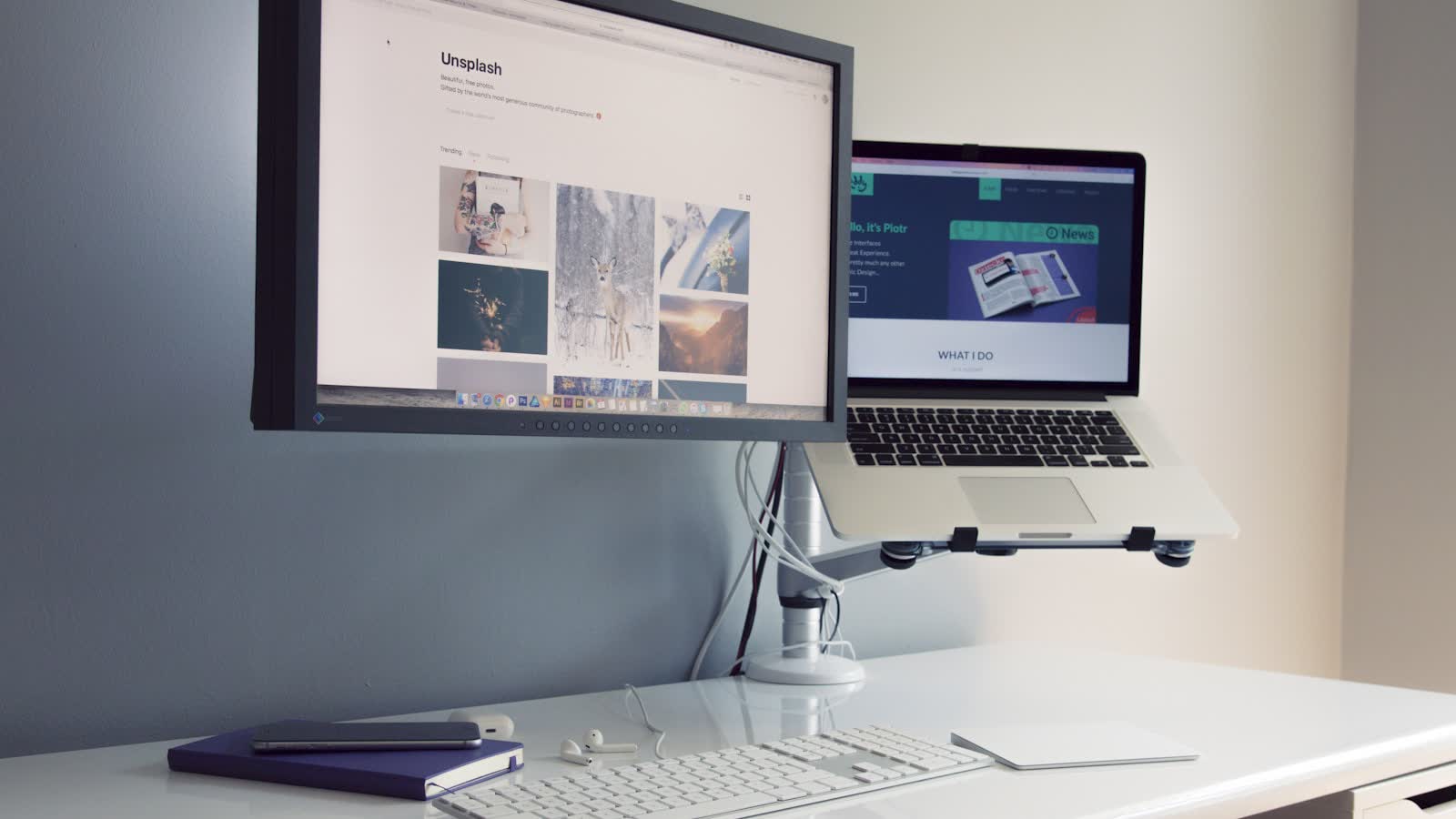
Your resting gaze is naturally about fifteen degrees below horizontal. Setting the top edge at eye level puts most of the screen inside that comfortable band, so you look down slightly with your eyes rather than tilting your head. A monitor arm makes hitting that number precise rather than approximate.
Why laptops are the worst case
A laptop screen is physically attached to the keyboard, so it cannot be at the right height while the keyboard is at the right height. The two requirements are mutually exclusive.
There is exactly one fix: raise the laptop until the screen is correct and use an external keyboard and mouse. A laptop stand plus a separate keyboard is the cheapest genuinely important desk purchase most people can make.
Distance
Start at arm’s length and adjust. The real constraint is the proportion of your visual field the screen fills: if you turn your head to read the edges, move it back. Larger and higher-resolution panels generally want to be further away, not closer, because the extra resolution buys you the ability to sit back — see our ultrawide monitor roundup for the models this applies to most.
Two monitors
If you use one screen most of the time, put that one directly in front of you and the second off to the side. Do not centre the seam between them — that arrangement puts your primary work at a permanent angle and produces a consistent rotational load on your neck. Brightness and contrast settings matter alongside geometry — see our monitor settings guide.
Questions people ask
How high should my monitor be exactly?
The top of the usable screen area — the top of the image, not the top of the bezel — should sit at or slightly below your seated eye level. Your natural resting gaze is slightly downward, roughly 15 degrees below horizontal, so a screen whose top edge is at eye level puts most of the content in that comfortable band.
Does this change if I wear varifocals?
Yes, substantially, and it is the most common exception. Progressive lenses put the intermediate and reading zones at the bottom of the lens, so to read the screen through the correct part of the lens you must either tilt your head back or lower the screen. Lower the screen. People in varifocals typically need the monitor 10 to 15 cm below the standard recommendation.
How far away should the screen be?
Roughly an arm's length as a starting point — extend your arm and your fingertips should about reach the screen. Larger and higher-resolution panels want to be further away, because the limit is how much of your visual field the screen occupies rather than a fixed distance. If you find yourself turning your head to read the edges, it is too close.