
We have not tested these products. This comparison is reasoned from manufacturer specifications, documentation and warranty terms. How we test
If you buy through a link on this page we may earn a commission. Retailers do not pay for reviews or placement. Prices are shown as bands, never as figures — the live price is at the retailer. As an Amazon Associate I earn from qualifying purchases. How we make money
On this page
The short version
Recovers the desk surface and reaches heights no factory stand can.
See at Amazon — Ergotron LX Desk Mount (opens in a new tab)The cheap way to find out whether an arm solves your problem.
See at Amazon — Amazon Basics Single Monitor Arm (opens in a new tab)Side by side
Figures from manufacturer specifications. Every value is awaiting human verification against the retailer listing and is marked accordingly.
| Product | Weight capacity | Max screen size | Mount type | Band | Buy |
|---|---|---|---|---|---|
| Ergotron LX Desk Mount Our Pick | 3.2-11.3 kg | 34 in | Clamp or grommet | $$ | Amazon — Ergotron LX Desk Mount (opens in a new tab) |
| Amazon Basics Single Monitor Arm Best Budget | 2.3-11.3 kg | 32 in | Clamp or grommet | $ | Amazon — Amazon Basics Single Monitor Arm (opens in a new tab) |
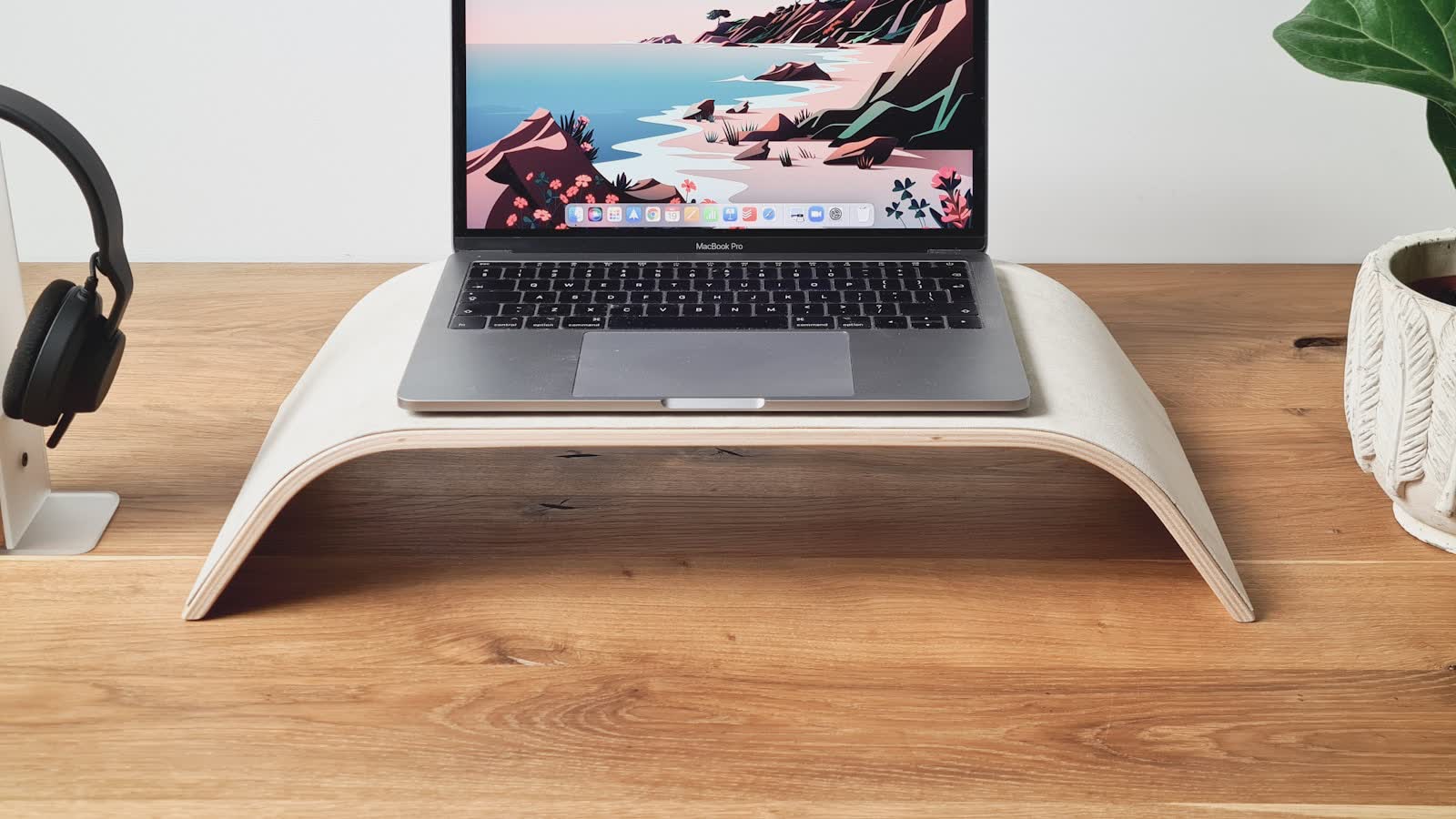
The stand came free in the box. That is a genuine argument in its favour, and if it puts the screen in the right place you should stop reading and keep your money.
The problem is that most of them cannot.
What factory stands are actually bad at
Going low enough. This is the big one. Stands are designed to look substantial on a shop shelf and to be stable, and both of those push the panel upward. Many stands have a minimum height that is already above where a correctly seated person wants the top of the screen.
Depth. The base occupies the rear third of the desk and pushes the panel forward, exactly where you want it to go back.
Recovering the surface. The base’s footprint is dead space you cannot use.
What an arm changes
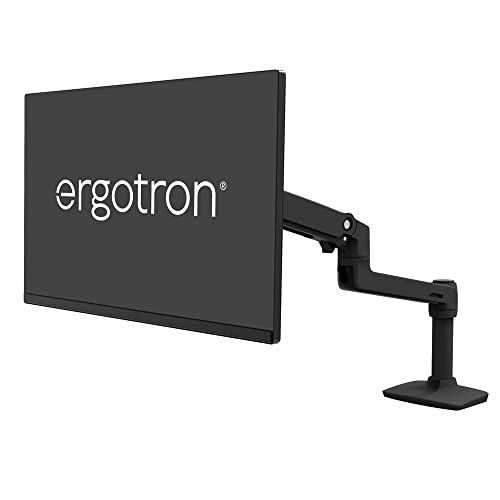
An arm removes the base entirely, so it recovers the desk surface, allows the panel to sit back over or beyond the rear edge, and reaches heights and depths no stand offers. The Ergotron LX (at Amazon, opens in a new tab) is the standard example of this. On a shallow desk this is the difference between a correct viewing distance and a permanently cramped one — see our guide to monitor height and distance for exactly where the screen should end up.
When the stand genuinely wins
If the stand already reaches the right height, if you never reposition the screen, and if the desk space under the base is not space you need — the stand is fine. Buying an arm to fix a problem you do not have is not an upgrade.
The other case is a desk that cannot take an arm: too thick an edge for a clamp and no grommet hole you are willing to drill.
The specification that catches people out
Weight range, and specifically its minimum. A gas spring tensioned for a heavy panel cannot be loosened enough to hold a light one — it drifts upward and stays there. Check your screen sits inside the arm’s range, not merely under its maximum — our full review of the LX covers its range in detail.
The picks
 (opens Amazon in a new tab)
 - Weight capacity
- 3.2-11.3 kg
- Max screen size
- 34 in
- Mount type
- Clamp or grommet
- Band
- $$ Mid tier
Ergotron LX Desk Mount
Recovers the desk surface and reaches heights no factory stand can.
- Full height and depth range
- Frees the whole desk surface
- Repositions without tools
- Costs money the stand did not
- Needs a suitable desk edge or grommet
 (opens Amazon in a new tab)
 - Weight capacity
- 2.3-11.3 kg
- Max screen size
- 32 in
- Mount type
- Clamp or grommet
- Band
- $ Budget tier
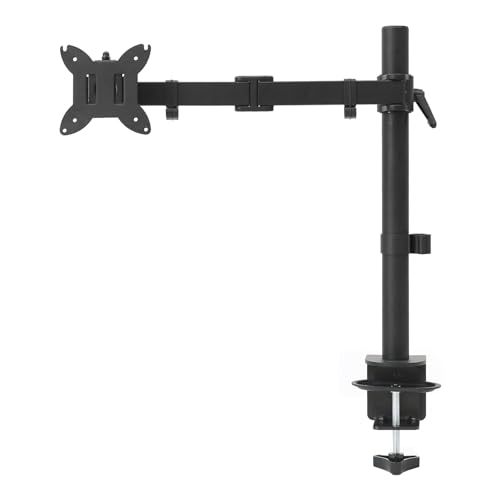
Amazon Basics Single Monitor Arm
The cheap way to find out whether an arm solves your problem.
- Very low cost of entry
- Same basic geometry as expensive arms
- Handles lighter screens
- Gas spring weakens over time
- Short warranty
Questions people ask
Is a monitor arm worth it if my stand already adjusts height?
Less so, but there is still a case. Even height-adjustable stands rarely go low enough for a correct seated position, and none of them recover the desk space the base occupies or let the panel sit back over the rear edge. If your stand genuinely reaches the right height and you do not need the surface underneath it, the stand is fine and you should keep your money.
Will an arm damage my desk?
A clamp concentrates load on a small area of the desk edge. On solid wood, steel or a good thick laminate that is fine. On a hollow-core or thin particleboard top it can crush the edge over time — use the grommet mount, or place a metal plate under the clamp to spread the load.