
We have not tested these products. This comparison is reasoned from manufacturer specifications, documentation and warranty terms. How we test
On this page
- Evidence & disclosure
- 1. Unplug everything
- 2. Eliminate cables before organising them
- 3. Mount the power strip under the desk
- 4. Raise the desk to full height, if it moves
- 5. Fit the tray and put the bulk inside
- 6. Route to devices, and only now bundle
- 7. Clip the desk-surface cables
- 8. Label both ends of anything ambiguous
- Questions people ask
Set aside an hour. The order below is what stops this from being a job you redo every time you add a device.
1. Unplug everything
All of it. You cannot see what you are working with otherwise, and you will end up routing around existing mess instead of eliminating it. Photograph the back of your machine first if you are not confident about what goes where.
2. Eliminate cables before organising them
For each cable, ask whether it needs to exist:
- Can a USB-C connection replace a separate video, data and power run? A single-cable docking monitor is the fullest version of this.
- Can peripherals plug into the monitor’s hub instead of the computer?
- Is anything still connected that you no longer use?
Every cable removed here is one you never have to manage.
3. Mount the power strip under the desk
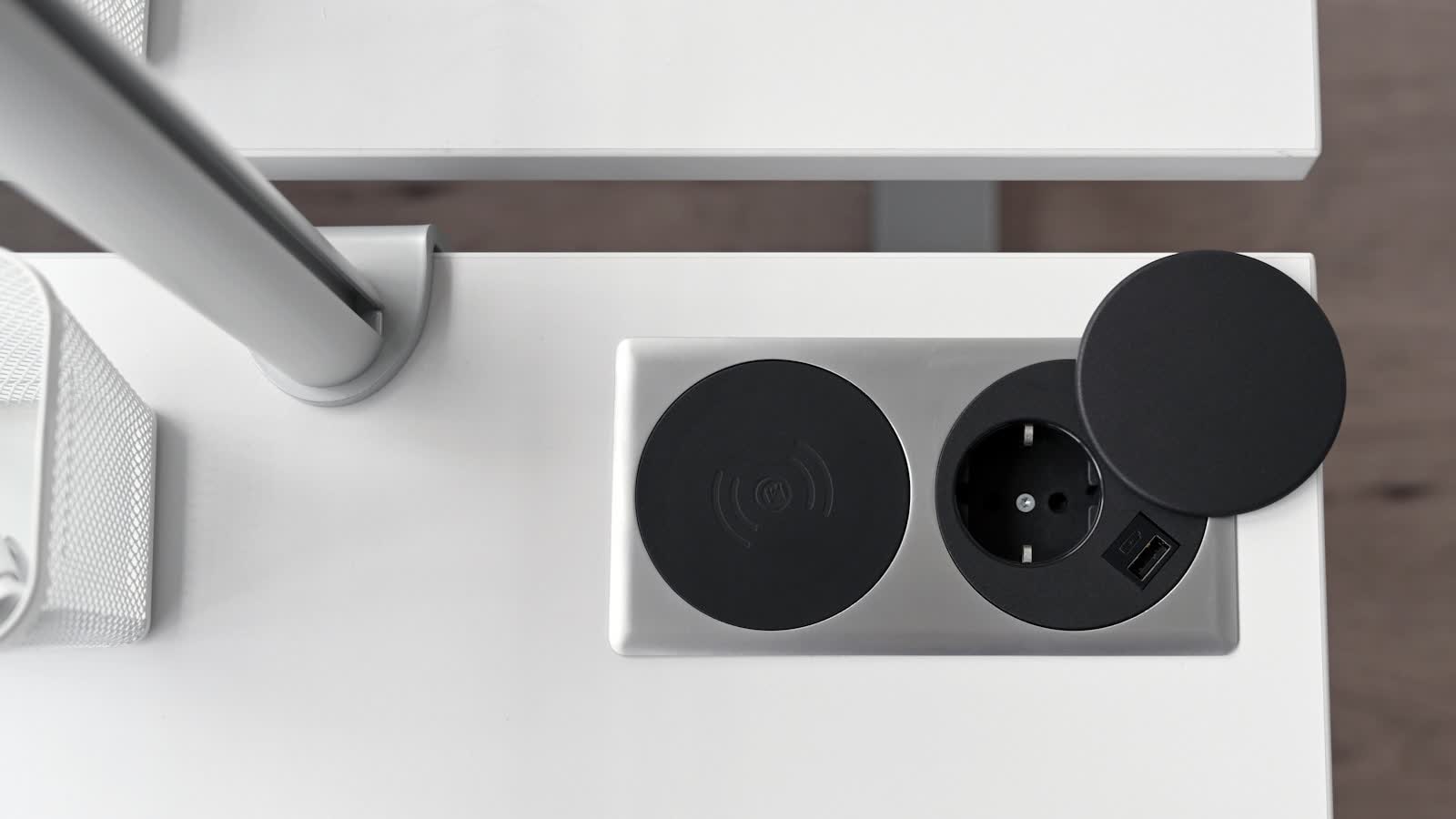
This is the pivotal step. Screw or stick it to the underside of the desktop, not the floor. From now on, exactly one cable runs from the desk to the wall — and on a sit-stand desk, the strip travels with the top. A lamp chosen for screen work plugs in here too, so it adds nothing to the wall run.
4. Raise the desk to full height, if it moves
5. Fit the tray and put the bulk inside
Power bricks, hubs, coiled excess. Anything heavy, ugly or rarely touched goes in the tray, off the floor and out of sight. If you have not bought a tray yet, the cable management roundup covers which depth you need; on a small desk, the space under it is the storage you have.
6. Route to devices, and only now bundle
Take each cable from the strip or tray to its device by the shortest sensible path along the desk frame. Use reusable hook-and-loop ties every 20 to 30 cm. Sleeve only the runs you are confident will not change.
7. Clip the desk-surface cables
Small adhesive clips at the rear edge, so a disconnected keyboard or monitor cable does not slide off the back and disappear behind the desk.
8. Label both ends of anything ambiguous
Two minutes now, and every future change is trivial rather than a process-of-elimination exercise under the desk.
Questions people ask
How much slack should I leave on a sit-stand desk?
Enough that the cable to the wall is still relaxed at maximum height, plus roughly 20 cm. Raise the desk fully before you secure anything, and route with that as the working position. Doing it at sitting height and hoping is the standard mistake, and the consequence is a plug pulled out or a port damaged.
Do I need to unplug everything to start?
Yes, and it feels wasteful but it is what makes the difference. You cannot see the actual routing while everything is connected, and you will end up working around existing mess rather than removing it. Photograph the back of your machine first if you are unsure what goes where.