
We have not tested these products. This comparison is reasoned from manufacturer specifications, documentation and warranty terms. How we test
If you buy through a link on this page we may earn a commission. Retailers do not pay for reviews or placement. Prices are shown as bands, never as figures — the live price is at the retailer. As an Amazon Associate I earn from qualifying purchases. How we make money
On this page
The short version
Asymmetric optics plus a backlight, and a wireless puck that you will actually use.
See at Amazon — BenQ ScreenBar Halo (opens in a new tab)The same asymmetric trick at a fraction of the price, without the backlight.
See at Amazon — Baseus Monitor Light Bar (opens in a new tab)The cheapest bar that still keeps light off the screen properly.
See at Amazon — Xiaomi Computer Monitor Light Bar (opens in a new tab)A monitor light bar sits on top of the screen and throws light forward onto the desk. The reason it works is entirely about geometry.
Why the position is the whole point
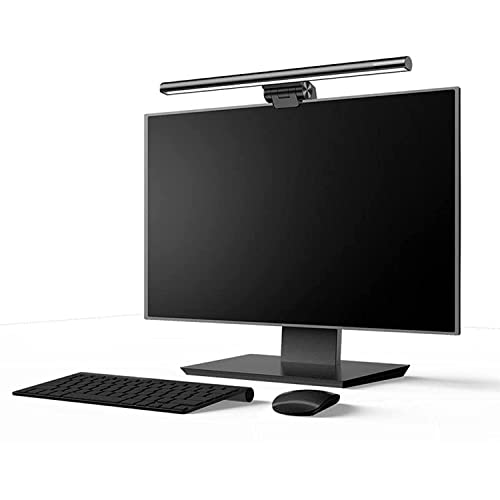
A desk lamp is somewhere out to the side, so some of its output inevitably reaches the screen and reflects back at you. A light bar sits above the screen pointing away from it, so the panel is physically behind the light source.
Combined with asymmetric optics — a reflector shaped to throw light forward and down but not up or back — the result is that essentially none of the light reaches the screen surface. The Baseus Monitor Light Bar (at Amazon, opens in a new tab) does this well enough that it is our value pick.
What it fixes
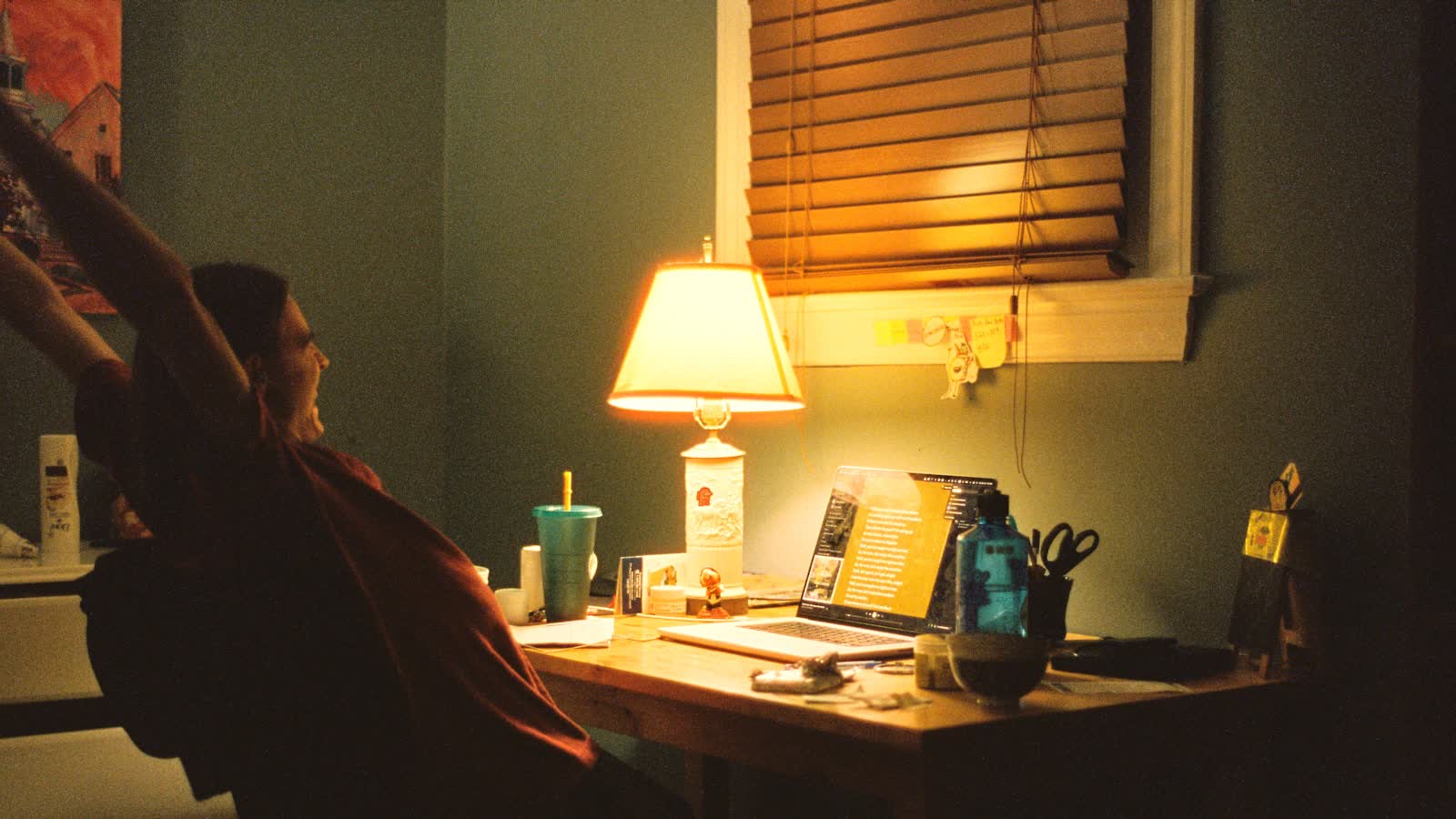
The specific problem of working on a bright screen in a dim room. Your pupils are constantly adjusting between a bright rectangle and a dark surround, and raising the ambient level removes that — it is the screen-to-surround ratio the desk lighting guide is built around. If you only want to find out whether that helps you, the Xiaomi Computer Monitor Light Bar (at Amazon, opens in a new tab) is the low-commitment way to test it.
It also recovers desk space, since it occupies no surface at all.
What it does not fix
It is not a task light. If you need to read paper documents or do detailed handwork, a light bar’s forward throw is too diffuse and you still want a proper desk lamp — the light bar versus lamp comparison is really about whether paper crosses your desk.
Fit is the thing to check
Clip designs are counterweighted for a range of bezel depths, typically 1 to 3 cm. Very thin monitors, and curved ones, are where fit becomes uncertain. Measure your top bezel before ordering.
The picks
 (opens Amazon in a new tab)
 - Band
- $$ Mid tier
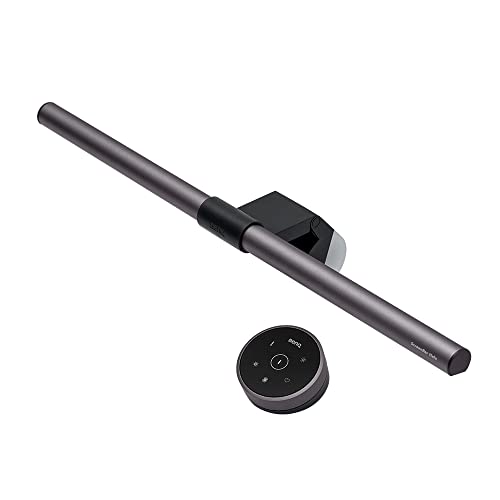
BenQ ScreenBar Halo
Asymmetric optics plus a backlight, and a wireless puck that you will actually use.
- No measurable screen glare
- Rear backlight reduces wall contrast
- Wireless remote is genuinely convenient
- Most expensive here
- Clip does not suit every monitor profile
 (opens Amazon in a new tab)
 - Band
- $ Budget tier
Baseus Monitor Light Bar
The same asymmetric trick at a fraction of the price, without the backlight.
- Very good value
- Effective asymmetric throw
- Adjustable colour temperature
- No backlight
- Controls are on the bar itself
 (opens Amazon in a new tab)
 - Band
- $ Budget tier
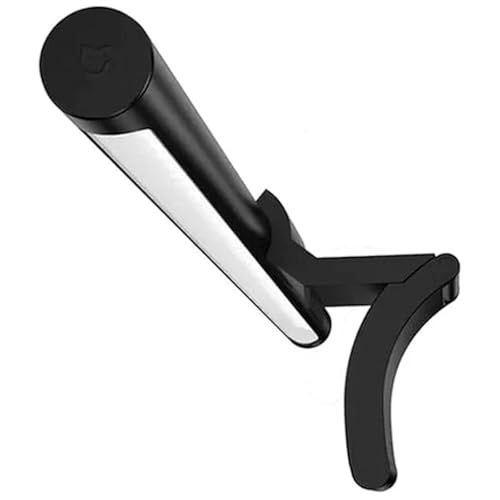
Xiaomi Computer Monitor Light Bar
The cheapest bar that still keeps light off the screen properly.
- Lowest price here
- Effective at the core job
- Simple to fit
- Basic build
- Limited adjustment
Questions people ask
Will a light bar fit my monitor?
Most clip designs are counterweighted to sit on bezels from roughly 1 to 3 cm deep, which covers the majority of flat panels. Curved monitors and very thin ones are where fit gets unreliable, and some bars sold for curved screens have a matched curve. Check the depth of your top bezel before ordering.
Does it need its own power supply?
They are USB powered, and you can run one from the monitor's own USB port if it has one. Be aware that many monitors cut USB power when they sleep, so the bar switches off with the screen — which is usually what you want. A separate charger keeps it independent.
BenQ ScreenBar Halo
Asymmetric optics plus a backlight, and a wireless puck that you will actually use.