
We have not tested these products. This comparison is reasoned from manufacturer specifications, documentation and warranty terms. How we test
If you buy through a link on this page we may earn a commission. Retailers do not pay for reviews or placement. Prices are shown as bands, never as figures — the live price is at the retailer. As an Amazon Associate I earn from qualifying purchases. How we make money
On this page
The short version
The webcam that narrows the gap enough that most people should stop here.
See at Amazon — Elgato Facecam MK.2 (opens in a new tab)What you need in addition to the camera if you take the real-camera route.
See at Amazon — Elgato Game Capture HD60 X (opens in a new tab)The real-camera route produces a visibly better picture and introduces several new things that can fail an hour before you go live.
What the picture actually gains
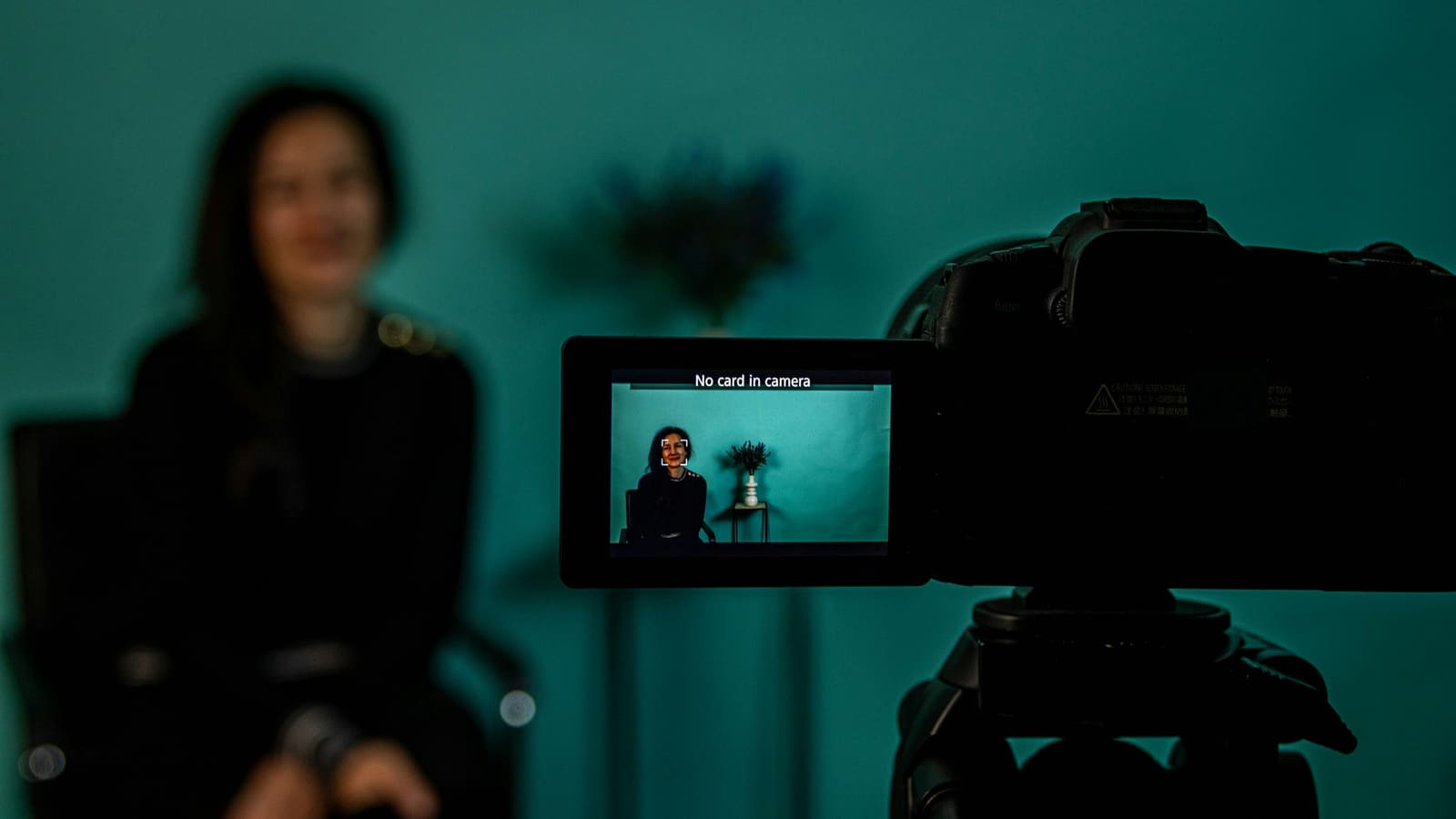
Shallow depth of field. A large sensor with a fast lens genuinely blurs the background. Software imitation is recognisable, particularly around hair and glasses. If this is the look you want, it is the honest reason to make the switch.
Low light. A big sensor gathers far more light, so a normal room looks clean without a lighting rig. If you stay with a webcam, our webcam roundup covers the ones worth buying.
What it costs beyond the camera
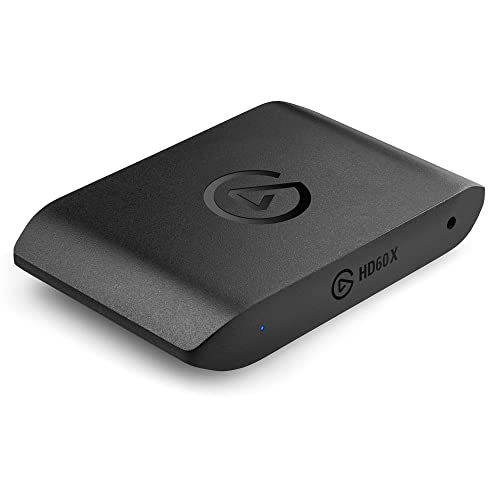
A capture card such as the Elgato HD60 X (at Amazon, opens in a new tab). A mains adapter or dummy battery. A mount at eye level. A long cable. And a camera model documented to output clean video continuously without overheating or hitting a recording time limit.
How we compared these
This comparison rests on sensor sizes, lens apertures and connectivity as published, and on the additional hardware each route requires. No cameras were tested for it.
The picks
 (opens Amazon in a new tab)
 - Band
- $$$ Upper-mid tier
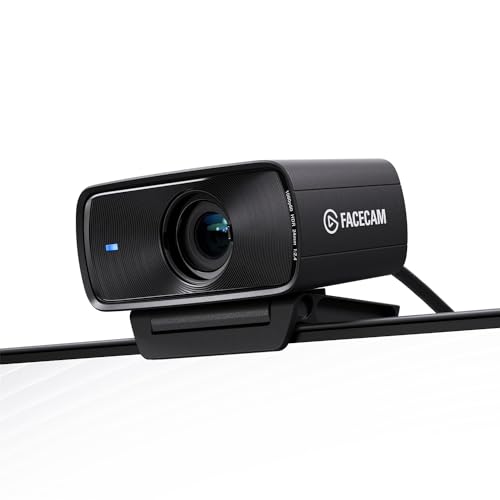
Elgato Facecam MK.2
The webcam that narrows the gap enough that most people should stop here.
- Large sensor for the category, decent in dim rooms
- One cable and no additional hardware
- Manual exposure and white balance control
- Cannot produce genuinely shallow depth of field
- Fixed focus distance
 (opens Amazon in a new tab)
 - Band
- $$ Mid tier
Elgato Game Capture HD60 X
What you need in addition to the camera if you take the real-camera route.
- Camera appears as an ordinary video source
- Passes through to a monitor without delay
- Works across platforms without drivers
- An additional box, cable and expense
- Only solves capture, not power or overheating
Questions people ask
What does a real camera actually give me?
Two things that webcams cannot replicate. A physically larger sensor with a fast lens produces genuinely shallow depth of field, which is the blurred background that reads as professional and is quite different from the software imitation. And a larger sensor gathers far more light, so a normal room needs less illumination to look clean. Everything else about the picture, webcams have narrowed considerably in recent years.
What else do I need besides the camera?
More than people budget for. A capture card to get the video into the computer as a usable source. A dummy battery or mains adapter, because camera batteries do not last a session. A tripod or mount that puts it at eye level. A cable long enough to reach. And a camera that outputs clean video without menu overlays and does not stop recording after a time limit, which many consumer models do.
Will a real camera overheat?
Many consumer models will during long sessions, because they were designed for clips rather than for running continuously for hours. Some impose recording time limits for exactly this reason, others simply get hot and shut down. If you take this route, check specifically that the model is documented as capable of continuous clean output for the length of session you plan, rather than assuming that a camera which records video can record video indefinitely.