
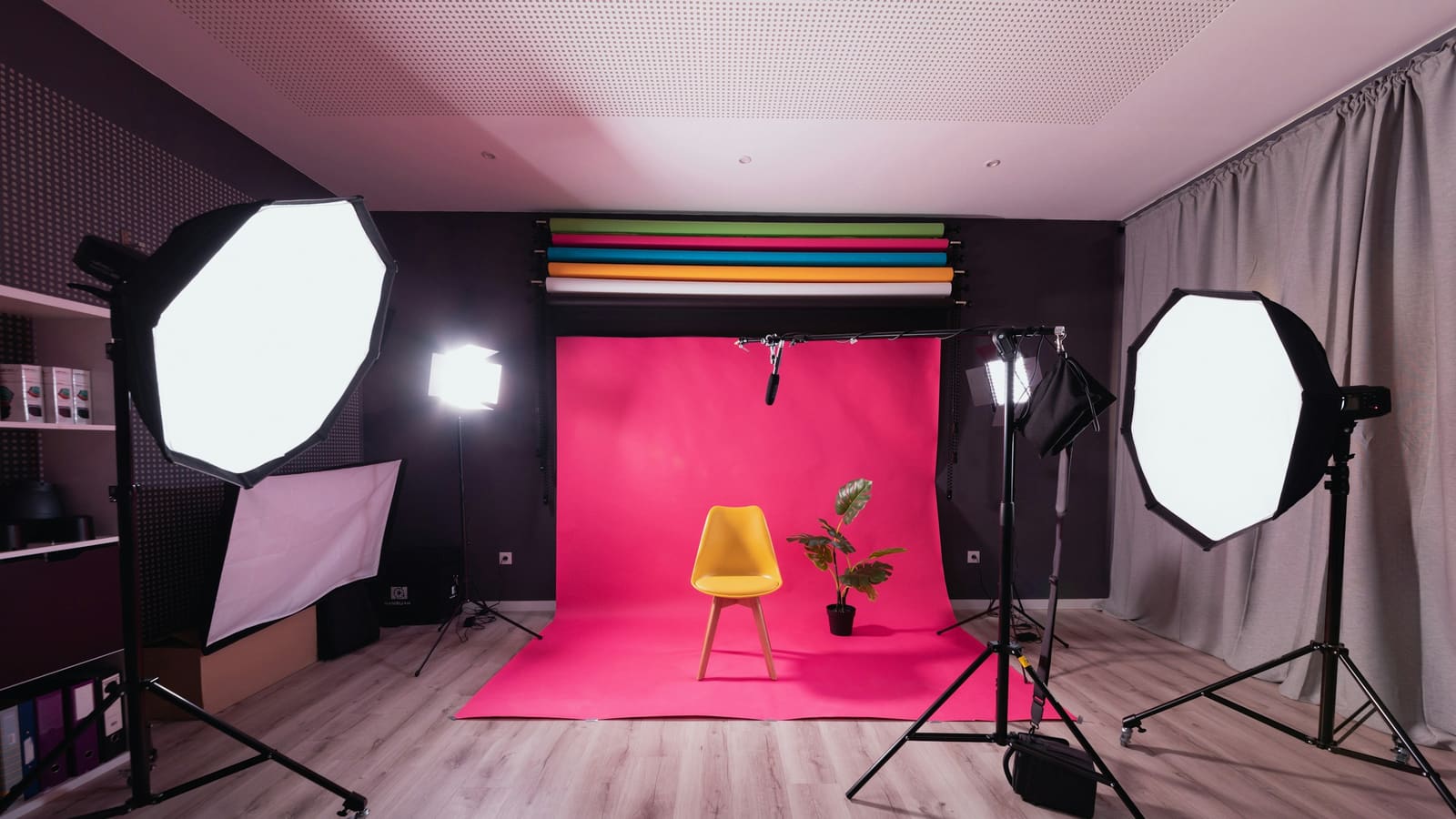
We have not tested these products. This comparison is reasoned from manufacturer specifications, documentation and warranty terms. How we test
If you buy through a link on this page we may earn a commission. Retailers do not pay for reviews or placement. Prices are shown as bands, never as figures — the live price is at the retailer. As an Amazon Associate I earn from qualifying purchases. How we make money
On this page
Lighting is where the largest improvement in your video quality is available, and it costs less than a camera upgrade.
Soft, not bright
A large source close to you produces soft light: shadows with gradual edges, skin that looks like skin. A small source produces hard light: sharp shadow edges, every texture emphasised.
Brightness has nothing to do with it. A small very bright light is hard light. The specification that matters is the size of the emitting surface relative to how far away it is. The Elgato Key Light (at Amazon, opens in a new tab) is built around exactly that principle: a large panel kept close to the desk (see our full review). A budget panel like the Neewer 660 LED panel (at Amazon, opens in a new tab) gets you similar size for less, provided you diffuse it yourself.
Where to put it
In front of you, off to one side by roughly forty-five degrees, above eye level and angled down.
That produces a gentle gradient across your face, which reads as depth. Straight on and level is the flat look, and behind you is a silhouette. Our lighting roundup compares more options across budgets.
One colour, not several
Mixed sources are the other common problem. A warm desk lamp and cool daylight from a window give you two differently coloured halves of a face, and no camera white balance corrects both.
Pick a temperature, match everything in shot to it, and set white balance manually so the camera stops drifting between them.
How we assessed these
The principles here are optics rather than product claims. Where products are named, the judgement rests on published panel size, output, diffusion and colour control, and nothing was measured or photographed under by us.
What we recommend
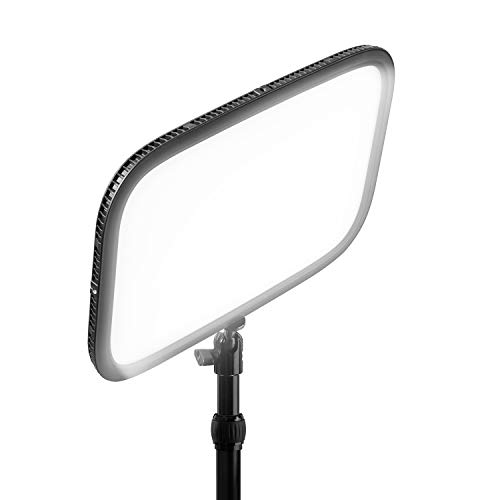 (opens Amazon in a new tab)
 - Band
- $$$ Upper-mid tier
Elgato Key Light
Large enough to be genuinely soft and controllable without reaching behind the monitor.
- Large diffused panel produces flattering light
- Software control of brightness and temperature
- Clamps to the desk instead of occupying it
- Expensive relative to bare panels
- Requires a suitable desk edge for the clamp
 (opens Amazon in a new tab)
 - Band
- $ Budget tier
Neewer 660 LED Panel
A big panel and a stand for very little, provided you diffuse it yourself.
- Large output for the money
- Colour temperature adjustable on the unit
- Stand included rather than extra
- Needs diffusion to avoid harsh shadows
- Takes up floor space permanently
Questions people ask
Why does my face look flat?
Because the light is directly in front of you at eye level, which is what a ring light or a monitor produces. Even illumination from straight ahead removes shadow, and shadow is what tells a viewer that a face has depth. Moving the light to one side and above eye level restores a gentle gradient across your face, and that gradient is most of what separates a lit look from a webcam-in-a-meeting look.
What about the window?
A window is an excellent light source and a difficult one, because it changes throughout the day and it is a different colour from your lamps. Facing a window gives you soft, flattering light for free, provided the sun is not direct. The problems start when it is behind or beside you and competing with an artificial source, which gives you two colours on one face. Either use the window alone or block it and control the light yourself.
Should I light the background too?
It helps more than people expect, and it is the third light rather than the first. A completely dark background makes the shot feel closed in and pushes the camera to expose for a very high contrast scene. A little light on the wall behind you, or a lamp visible in frame, gives the picture depth and gives the camera an easier job. It does not need to be bright, only present.