
We have not tested these products. This comparison is reasoned from manufacturer specifications, documentation and warranty terms. How we test
If you buy through a link on this page we may earn a commission. Retailers do not pay for reviews or placement. Prices are shown as bands, never as figures — the live price is at the retailer. As an Amazon Associate I earn from qualifying purchases. How we make money
On this page
The short version
For one or two voices, an interface plus software routing beats a mixer on every axis.
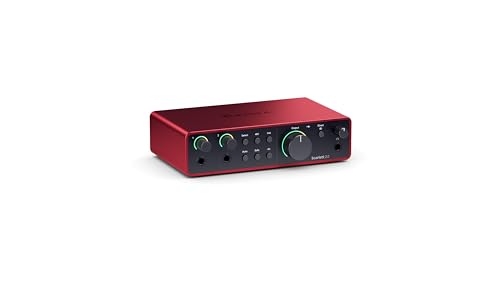
See at Amazon — Focusrite Scarlett 2i2 (opens in a new tab)Two clean inputs and metering good enough that you stop needing a mixer to see levels.
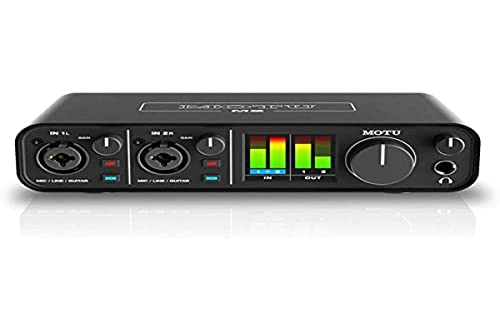
See at Amazon — MOTU M2 (opens in a new tab)These are not competing products. They do different jobs and the overlap confuses the decision.
What an interface is for
Getting a microphone into a computer cleanly, and audio back out to your headphones. Each input arrives as its own track, which means every level decision stays changeable afterwards.
For one or two voices with a computer already in the room, this is the whole requirement, and the interface buying guide covers the four decisions that remain.
What a mixer is for
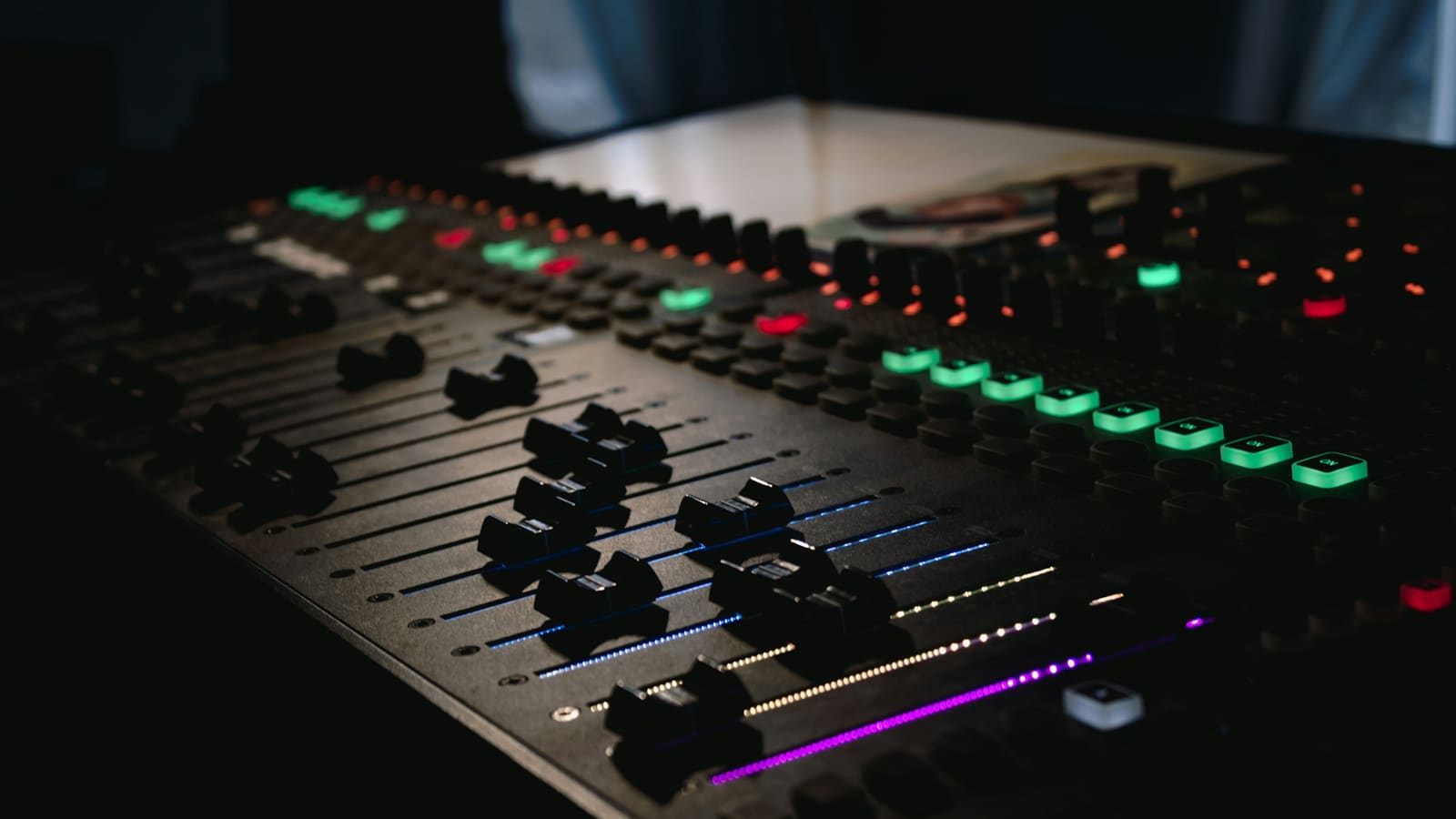
Combining many sources into one blend, in hardware, with physical controls. A microphone, a music source, a phone call and a console all arriving at one output without a computer arbitrating.
The honest recommendation
One or two voices, computer present: an interface, with software handling the routing. It is smaller, cheaper and more recoverable. The Focusrite Scarlett 2i2 (at Amazon, opens in a new tab) is the default example; the MOTU M2 (at Amazon, opens in a new tab) is the step up for two people at one desk.
A mixer earns its place when several hardware sources must be blended live, when you want physical faders during a show, or when a computer is not the centre of the setup.
How we compared these
This comparison rests on the signal routing each device performs and on published specifications for the products named. Nothing was recorded through either for this article.
The picks
 (opens Amazon in a new tab)
 - Band
- $$ Mid tier
Focusrite Scarlett 2i2
For one or two voices, an interface plus software routing beats a mixer on every axis.
- Records each input to its own track
- Software routing is more flexible than knobs
- Takes far less desk space than a mixer
- Live blending happens on screen rather than by hand
- Only two inputs
 (opens Amazon in a new tab)
 - Band
- $$ Mid tier
MOTU M2
Two clean inputs and metering good enough that you stop needing a mixer to see levels.
- Clear full-colour metering for both inputs
- Very low latency for live monitoring
- Clean preamplifiers on both channels
- No physical mixing of multiple playback sources
- Two inputs is the ceiling
Questions people ask
What does a mixer do that an interface does not?
It combines several sources into one blend using physical controls, in hardware, without a computer. That is genuinely useful when you have a microphone, a phone call, a music player and a console all needing to reach one output, or when you want to hand somebody a fader rather than asking them to find a slider on screen. What it typically does not do is deliver each of those sources to your computer as a separate track.
Can I record separate tracks from a mixer?
Only from mixers that specifically offer multi-track output over USB, and many do not. A conventional small mixer sends the computer a single stereo blend of everything, which means that if your co-host is too loud, they stay too loud in the recording forever. Separate tracks are what make editing recoverable, so if you are producing recordings rather than only broadcasting live, check this specification before anything else.
Why do some streamers use both?
Because they are solving two different problems at once. The mixer handles live routing of many sources with physical control, which is genuinely faster than software during a live show, and the interface handles clean capture of the microphone itself. It is a real setup with a real justification, and it is also considerably more equipment, more cabling and more that can go wrong than one person talking to a computer requires.